SEO for Developers · Business Tips
How to fix indexing problems
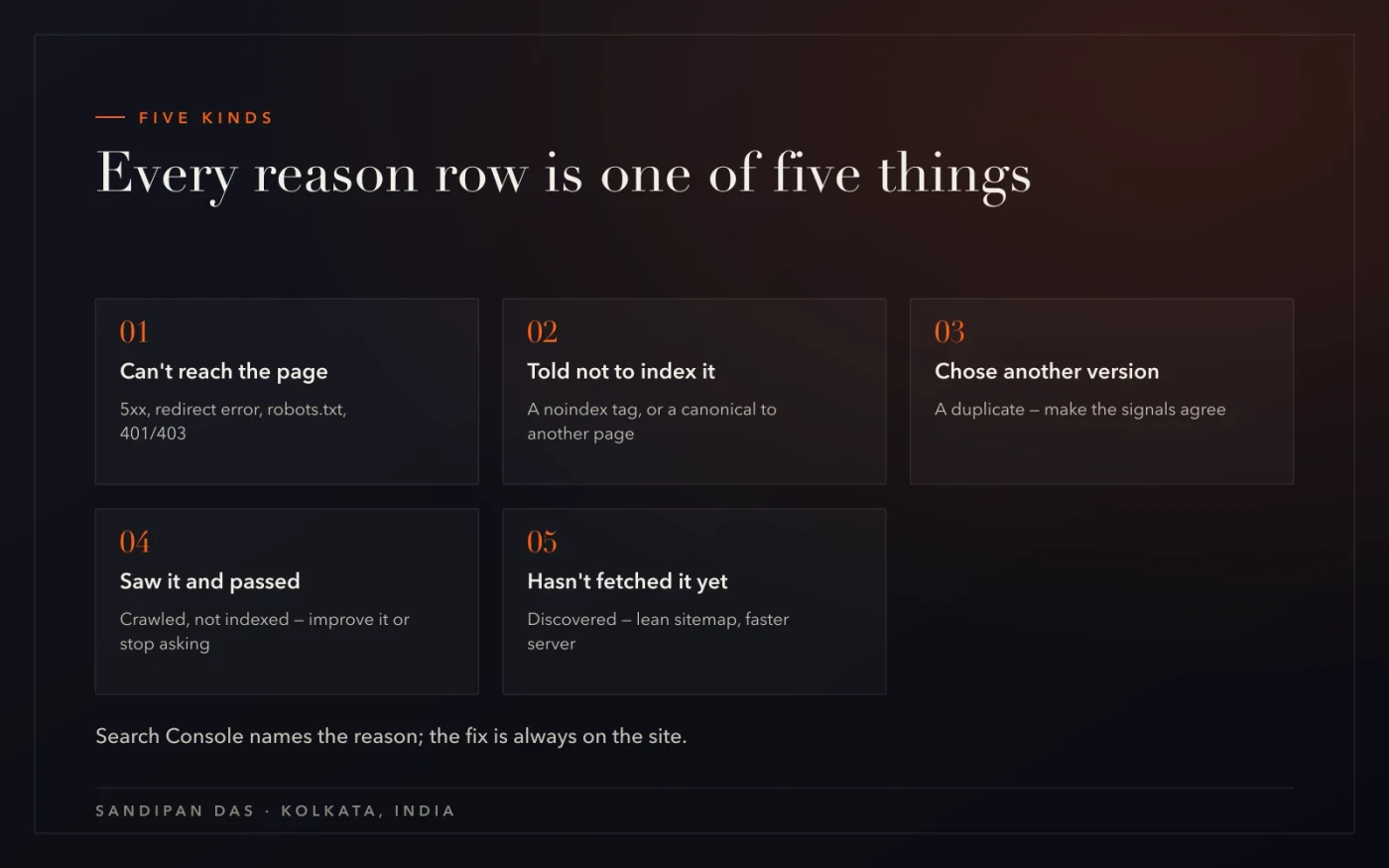
Every indexing problem is one of five things: Google can't reach the page, was told not to, chose another version, saw it and passed, or hasn't got to it yet. Search Console's reason row says which. Every reason, what it means, and the fix on the site.

How to fix indexing problems, in one paragraph
To fix indexing problems, open Search Console → Page indexing, read the reason row each page sits in, and match it to one of five kinds: Google can't reach the page, was told not to index it, chose another version, saw it and passed, or hasn't fetched it yet. Each kind has its own fix, on the site.
This is the reference version. The reasons are Google's own list from the Page indexing help page; the fixes are what I do on the sites I look after. If you only have one page to check, start with How to check if a page is indexed; if the list is long, this is the post.
One rule before the table. Search Console reports; it doesn't fix. Every fix below happens on the site — a tag, a file, a redirect, a canonical, the page itself — and the report is how you find out it worked.
The fixes come from hundreds of websites completed, and they are the same on every site.
Kind one: Google can't reach the page
Server error (5xx), redirect error, blocked by robots.txt, blocked by a 401 or 403, other 4xx. These are the only rows that are genuinely errors, and they come first because nothing else can be judged until Google can fetch the page.
- Server error (5xx). The server failed when Google asked. Check the hosting logs for the dates in the report; a site that errors under load needs caching or stronger hosting before anything else — hosting and maintenance is that conversation.
- Redirect error. A redirect that loops, chains too far, or points at a dead URL. Map every old URL straight to its final live page; a redirect should be one hop.
- Blocked by robots.txt. A Disallow line covers the path. Open yourdomain.com/robots.txt and read it — the robots & sitemap checker flags a blocked site or blocked assets for you. And remember what Google says: robots.txt is "not a mechanism for keeping a web page out of Google". If you want a page out, that's a noindex tag, not a block.
- 401 / 403 / other 4xx. The page asks for a login or refuses the request. If it's meant to be public, fix the access; if it isn't, it doesn't belong in the sitemap.
Kind two: Google was told not to index it
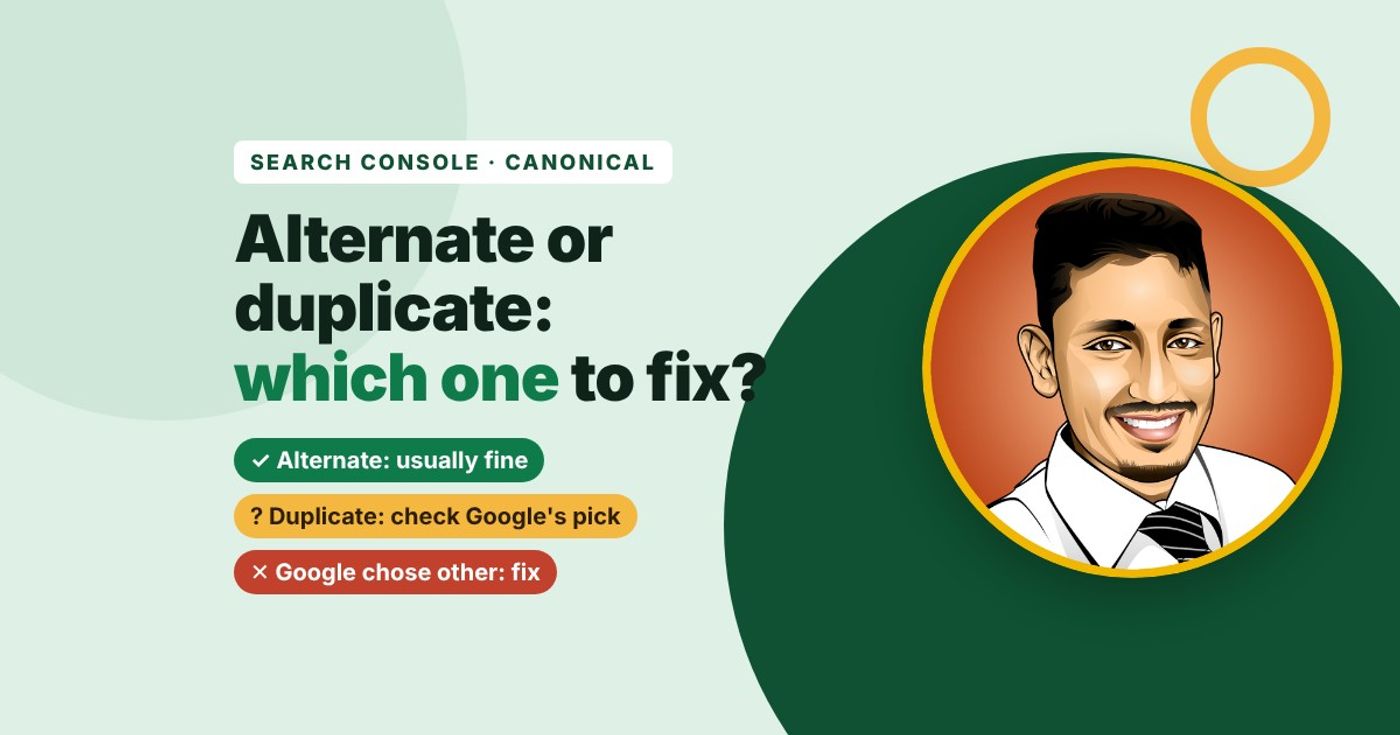
"Excluded by noindex tag" and "Alternate page with proper canonical tag" are you telling Google what to do. The fix is only needed when you didn't mean it.
A noindex tag is a line in the page's head — or a header from the server — that says leave this page out. I use it on every site for tag archives, filters, thank-you pages and staging copies. It's the wrong tool when it's been left on a page you want ranking, which happens more than you'd think: a "discourage search engines" setting still on after launch, an SEO plugin defaulting a post type to noindex, a template that inherited it. The free SEO checker shows the tag on any page.
A canonical pointing elsewhere is the same idea one step removed: the page says "the original is over there". Right when the two pages really are the same; wrong in three shapes I see over and over:
- The home page's canonical on every page — a template mistake; every page you want indexed carries a canonical pointing at itself.
- A canonical naming an old URL that now redirects — two signals, and Google picks its own.
- Canonical and noindex on the same page — one says "the original is there", the other says "leave me out"; drop one.
Kind three: Google chose another version
"Duplicate without user-selected canonical" and "Duplicate, Google chose different canonical than user" mean Google found two pages that look like the same thing and picked one — and it may not be the one you wanted.
Without a canonical, Google decides for you; with one, Google can still overrule it if the other signals disagree — Google's canonicalisation documentation is explicit that it "will identify which version… is objectively the best" when you don't say, and that redirects and a rel=canonical are the strong signals while sitemap inclusion is weak. So the fix is to make the signals agree:
- One canonical, the same absolute URL named on both pages.
- The preferred URL in the sitemap — and only that one.
- A redirect from the copy, if the copy has no reason to exist.
When it isn't a technical duplicate
When the two pages aren't copies of one thing but two real pages on the same topic, the fix isn't markup — it's one better page. Merge them, redirect the weaker URL to the survivor, and give the survivor what both had. How to find duplicate content covers both shapes.
Kind four: Google saw it and passed
"Crawled - currently not indexed" is Google's judgement, not an error: it fetched the page and chose not to list it. The fix is a decision per URL — make the page worth indexing, or stop asking.
It's often the biggest row, and much of it can be pages you didn't want anyway. Sort the export into "want" and "don't"; noindex the "don't" pile; and for the "want" pile, read what Google fetched with View crawled page and fix the page — text in the HTML, one topic, not a copy, linked from an indexed page — then request indexing once. The step-by-step post walks the whole list.
Kind five: Google hasn't got to it yet
"Discovered - currently not indexed" means Google knows the URL and hasn't fetched it — in Google's words, it "wanted to crawl the URL but this was expected to overload the site; therefore Google rescheduled the crawl".
That's a scheduling problem. On a small site it usually means the sitemap lists thousands of URLs Google has no reason to fetch — filters, tags, pagination — and the real pages are queued behind them. On a slow site it means the server can't take the visits. The fixes follow:
- A sitemap with only the pages you want — limits and rules in How to create an XML sitemap.
- A faster response — the speed check shows what the server is doing.
- Internal links to the pages that matter, so they're found first.
- Then wait — this row moves on Google's schedule, not yours.
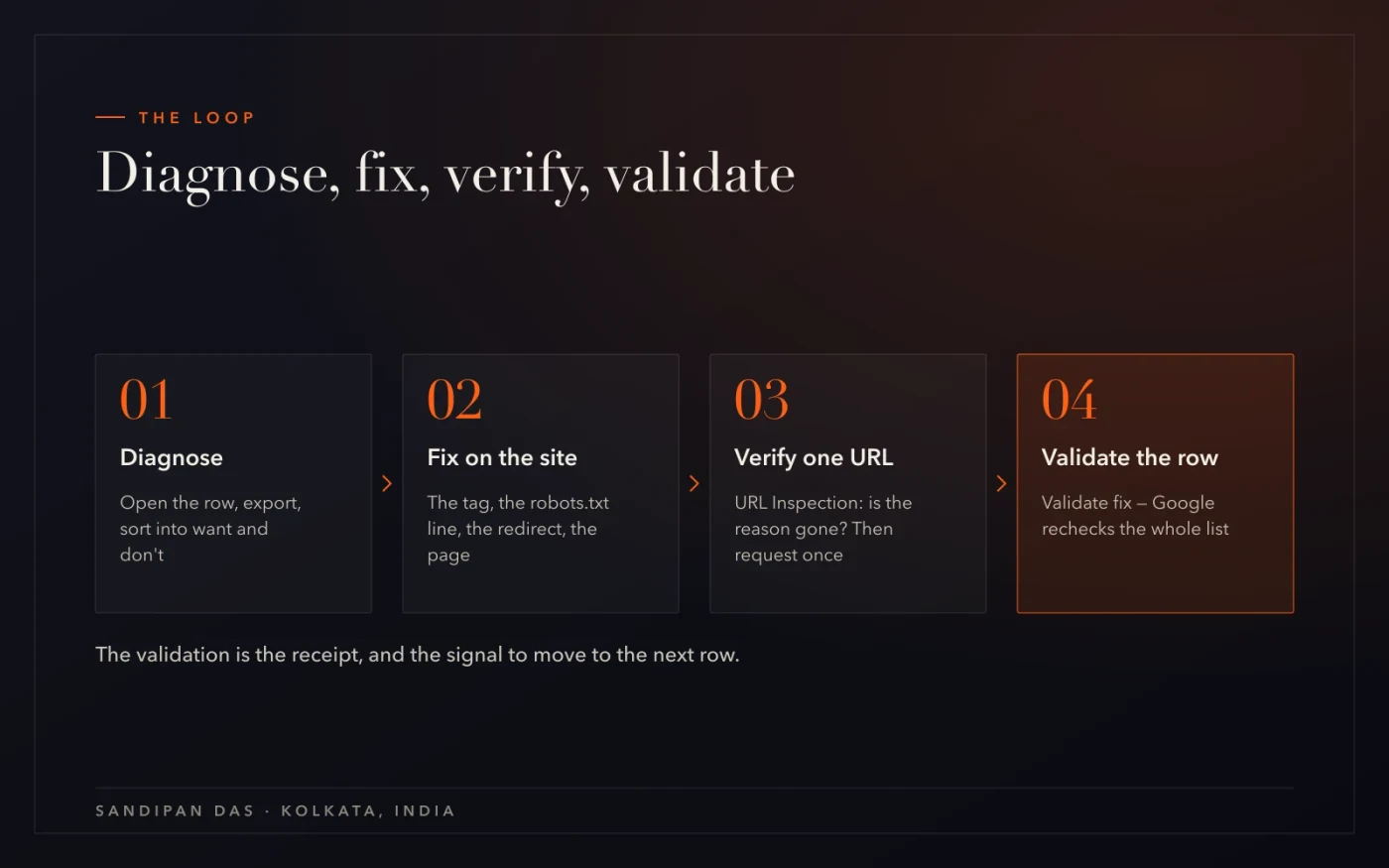
The loop: diagnose, fix, verify, validate
For every reason row the same four moves, and the last one is the one people skip.
- Diagnose in Page indexing — Open the reason row, export the URLs, sort them into pages you want indexed and pages you don't. The "don't" pile gets a noindex or leaves the sitemap; only the "want" pile is work.
- Fix on the site — The tag, the robots.txt line, the redirect, the canonical, the server, the page itself. Nothing in Search Console changes what Google sees; the site does.
- Verify one URL in URL Inspection — Paste a fixed page. Is the reason gone? Does View crawled page show the change? If yes, request indexing once for that page.
- Validate the row — Back in Page indexing, the row has a Validate fix button: Google rechecks the whole list and tells you which URLs passed. That's the receipt — and the signal to move to the next row.
What's easy to get wrong
Four mistakes, in the order they come up.
- Fixing the wrong layer. Adding a robots.txt block to remove a page from Google — it does the opposite of hiding it. De-indexing is a noindex tag.
- A noindex left over from staging. A common reason a new site doesn't show. Check it on launch day, on every template.
- A canonical pointing at a page that's gone. The old URL redirects, the canonical still names it; Google gets two signals and picks its own.
- Treating "discovered" like "crawled". One is a queue, one is a verdict. The queue is fixed with fewer URLs and a faster site; the verdict is fixed on the page.
The report names the reason; the fix is always on the site. Diagnose, fix, verify one URL, validate the row — then the next row.
Read next
The reasons that have their own posts, the audit they belong to, and the services.
- How to fix "Crawled - currently not indexed"
- How to check if a page is indexed by Google
- Google Search Console SEO audit — the guide
- Technical SEO services
If you'd rather have the rows worked through for you
Run the free robots & sitemap checker first — if the site is blocked or the sitemap is empty, that's the finding. If the reasons table has six rows and hundreds of URLs, technical SEO services is the version where each row is sorted, fixed in the code and validated, and the website audit is where it starts.
Questions
Questions this post answers
How to fix XML sitemap errors?
- Open Search Console → Sitemaps and read the status per sitemap: "Couldn't fetch" means the URL is wrong or blocked, and the discovered-pages count next to the indexed count shows a sitemap full of pages Google declined. Remove old sitemaps, keep only canonical 200-status URLs in the current one, use an index file above 50,000 URLs, and resubmit once.
How to fix canonical URL issues?
- Start from Search Console's three canonical rows: "Alternate page with proper canonical tag" is fine, "Duplicate without user-selected canonical" needs a tag added, and "Duplicate, Google chose different canonical than user" means your tag lost the argument. For the last one, look for the disagreement — a redirect pointing the other way, the copy holding the links, or two pages that aren't as identical as the tag claims — and remove it.
How to fix redirect chains?
- Find them first: a crawl reports each redirect's hop count, and Search Console's "Page with redirect" row lists what Google followed. Then rewrite the rules so each old URL maps in one step to the final page, and edit your own menus and posts to link to the final URL directly — a chain that nobody links to any more is a chain that never runs.
How to find orphan pages?
- An orphan page has no internal links pointing at it, so Google rarely reaches it and usually leaves it in the "Discovered" or "Crawled - currently not indexed" rows. Compare the sitemap's URL list with the pages a crawl of the site reaches; anything in the first and not the second is an orphan — link it from a page that's indexed, or take it out of the sitemap.