
website bug fixing service
Website bug fixing service: diagnosis first, then the fix
I fix websites that were working and have stopped, on any platform where there is code to change.
- A report on what broke and why, with a price beside each fix
- A backup before any change
- The fixes, most urgent first
- The ways into the site that the check found, closed
- A short note on what happened and how to stop it happening again
- Follow-up fixes if something the repair touched misbehaves after go-live
- 9+ years
- building for the web, since 2017
Try it
Pick a symptom and watch the diagnosis run.
Every repair follows the same path: name the symptom, look in the right place, name the cause, fix it on a copy, then go live. Pick a symptom — the path fills in.
- 01 · What you saw—
- 02 · Where I look—
- 03 · The usual cause—
- 04 · Fix on staging—
- 05 · Live again—
The causes shown are the usual ones, not a promise about yours — that's what the written diagnosis is for. Run the free WordPress check first: it finds the open doors before I look.
Overview
Bugs, slow pages and takeovers: one website bug fixing service
Your site worked last week, and now it doesn't. That's where a website bug fixing service starts, with the address and whatever you noticed going wrong.
Three kinds of job come to me. A bug is one specific thing that stopped working. Website troubleshooting is for a site that is slow or unreliable, where the cause isn't obvious. A hacked site goes to malware removal.
- Bugs: a failed checkout, a form that never arrives, a broken layout, errors after an update
- Website troubleshooting: slow or unreliable pages, traced to a cause you can read
- Hacked sites: handled under malware removal — the last clean backup restored, then the way in closed
- Takeovers: a site nobody is looking after any more, read through and written up so it's properly yours
What a scope from me looks like
The fix list you approve, line by line
Included
- A report on what broke and why, with a price beside each fix
- A backup before any change
- The fixes, most urgent first
- The ways into the site that the check found, closed
- A short note on what happened and how to stop it happening again
- Follow-up fixes if something the repair touched misbehaves after go-live
Phase two
- A speed pass once the site is stable
- A care plan, so someone keeps watching it
- The rebuild, if that's what the site needs
Not doing
- Sites on platforms with no code access
Every fix is priced separately, so you can say yes to one and no to the next.
Wix and Squarespace sites are outside this work, since neither lets me reach the files.
Process
From your first message to a site that works again
A repair skips the design steps, because the site already exists. You bring the logins and the history of what changed. I bring the reading and the fixes.
- 01
What changed before it broke
I start with three questions. What did you see? When did it start? What changed just before, such as an update, a new plugin or a move to another host? The cause is often in that last answer.- You
- Send a screenshot of the error, or describe it in a line, plus anything that changed just before.
- Get
- A first read on where the cause sits
- 02
Reading the site
I read the site from outside first, the way a visitor and a search bot see it. Then the error logs, the plugins, the theme and the hosting. It ends as a written list of what broke, why, and the fixes in order.- You
- Admin, hosting and domain logins, plus any notes about the site you already have.
- Get
- What broke and why, with each fix priced
- 03
Fixing it on a staging copy
Backup first, then every fix on a staging copy. For a hacked site I restore the last clean backup and close the way in that was used.- You
- Approve anything I want to remove, such as a plugin or a user account that shouldn't be there.
- Get
- A copy of the site you can test
- 04
You test what earns you money
You try the checkout and the forms yourself, the way a customer would. Anything you flag, I check again.- You
- Place a test order, send a test form and open the pages your customers use.
- Get
- Confirmed working, by you
- 05
Going live with a written note
The fixes go live, and you get a short note saying what happened, what changed and what to watch for.- You
- Check the live site once more and sign off.
- Get
- A working site
- 06ongoing
Who looks after it next
Updates are where many breaks begin, so somebody has to own them from here. My team can take them on a care plan, or you can run them yourself with the note as your checklist.- You
- Pick who owns the updates.
- Get
- Care plan reports, or a checklist you run yourself
- What changed before it broke
- Reading the site
- Fixing it on a staging copy
- You test what earns you money
- Going live with a written note
- Who looks after it nextboth
Tech stack
Common breaks and where they usually start
I fix WordPress, Next.js and Node sites. The table lists the WordPress breaks clients ask me about. On Next.js or Node the method is the same, but the cause sits somewhere else, like a build step or an environment variable.
| CRITERION | Where it usually is | What the fix looks like |
|---|---|---|
| White screen after an update | A plugin or the theme clashing with a new PHP or WordPress version | Roll back on a copy, find the one that broke, update or replace it |
| Checkout stops at payment | The gateway plugin, a caching rule or an expired API key | Trace the request, correct the setting, place a test order before it goes live |
| Forms never arrive | Email delivery rather than the form: missing SPF or DKIM records, or a blocked mail server | Send mail through a proper route, then test it to a few inboxes |
| Hacked: spam pages or redirects | An outdated plugin, exposed usernames, or XML-RPC left open | Restore a clean copy, close the way in, change every password |
| Slow, with no obvious cause | Scripts and plugins loading on pages that never use them | Measure, remove what is unused, measure again |
| Taken over, with no record | Nobody knows which plugins matter or who holds the licences | Audit it, fix or replace what's needed, and write down what each part does |

Why it matters
Check your own WordPress site first
A blank page after an update has many possible causes. You can start the reading yourself with the free WordPress site check, before you message me. It looks at your site from outside and flags anything left open.
Each thing it flags can be closed. Here is what it looks for.
- Plugins behind the versions on wordpress.org
- A debug log anyone can open
- Usernames anyone can see
- XML-RPC left switched on
What the research says
Errors and crashes are on the list of reasons shoppers leave
Baymard Institute gathers the reasons shoppers give for abandoning a cart. Several of them are about the site itself rather than the price.
70.22% of online shopping carts are abandoned (average of 50 studies); these are the top reasons shoppers give.
- Extra costs too high (shipping, tax, fees)40%
- Delivery was too slow20%
- I didn't trust the site with my credit card information19%
- The site wanted me to create an account18%
- Too long / complicated checkout process17%
- Website had errors / crashed17%
These figures are other people’s research, quoted as published. Your own site’s numbers come from the free checks and the audit.
Before the first change
A backup is taken before I change a single file, and it is kept somewhere other than your host. If a fix goes wrong, the site goes back exactly as it was.
The day after the fix
The site works again, and you know the cause
Orders come through again. You also get a short note that explains what broke and what was changed so it doesn't happen twice. Sometimes the note says the site needs a rebuild more than another patch. Either way the decision is yours, and you make it with the facts in front of you.
- 900+ projects
- since 2017
- 4.9★
- 400+ five-star reviews on Fiverr
- 9+ years
- building WordPress and Next.js sites
Support is the whole team, not one person — reach us any time, and someone picks it up.
“The freelancer demonstrated excellent problem-solving abilities, tackling challenges head-on and coming up with innovative solutions, maintains clear, concise, and prompt communication. Any questions or concerns I had were addressed quickly and professionally.”
Schedule a Meeting
Send the address and a line on when it started going wrong. That is enough to plan the next step.
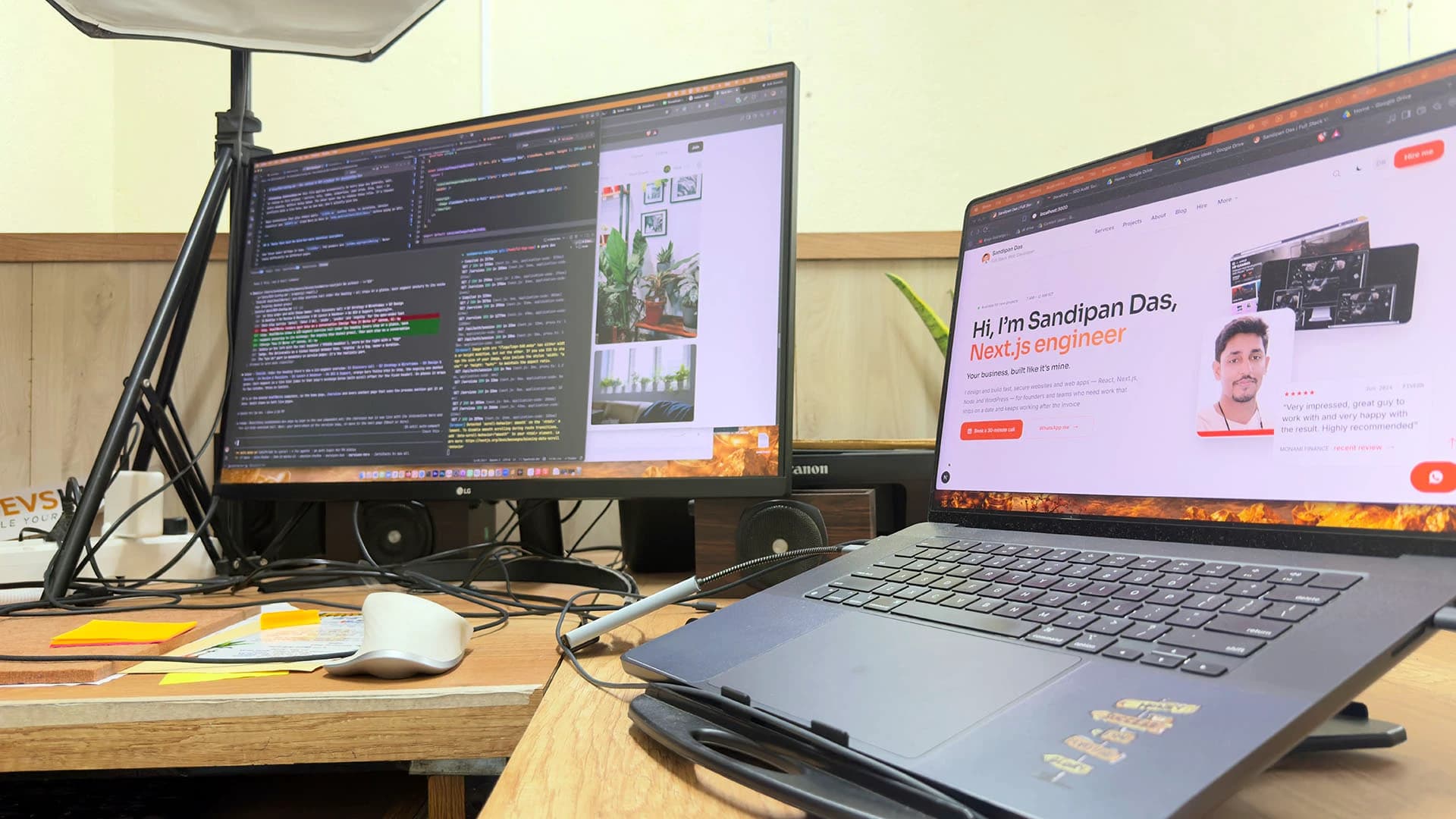
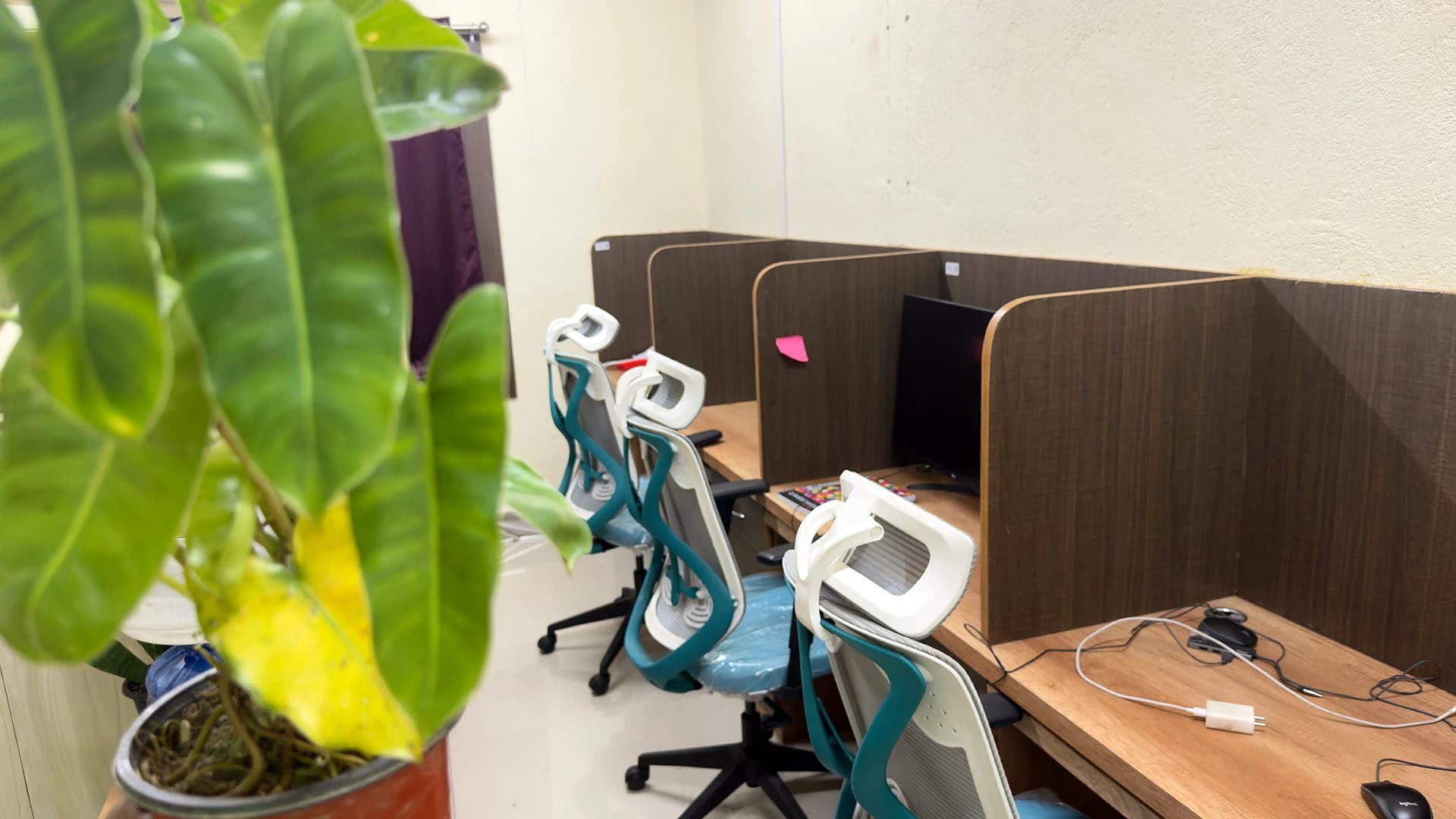
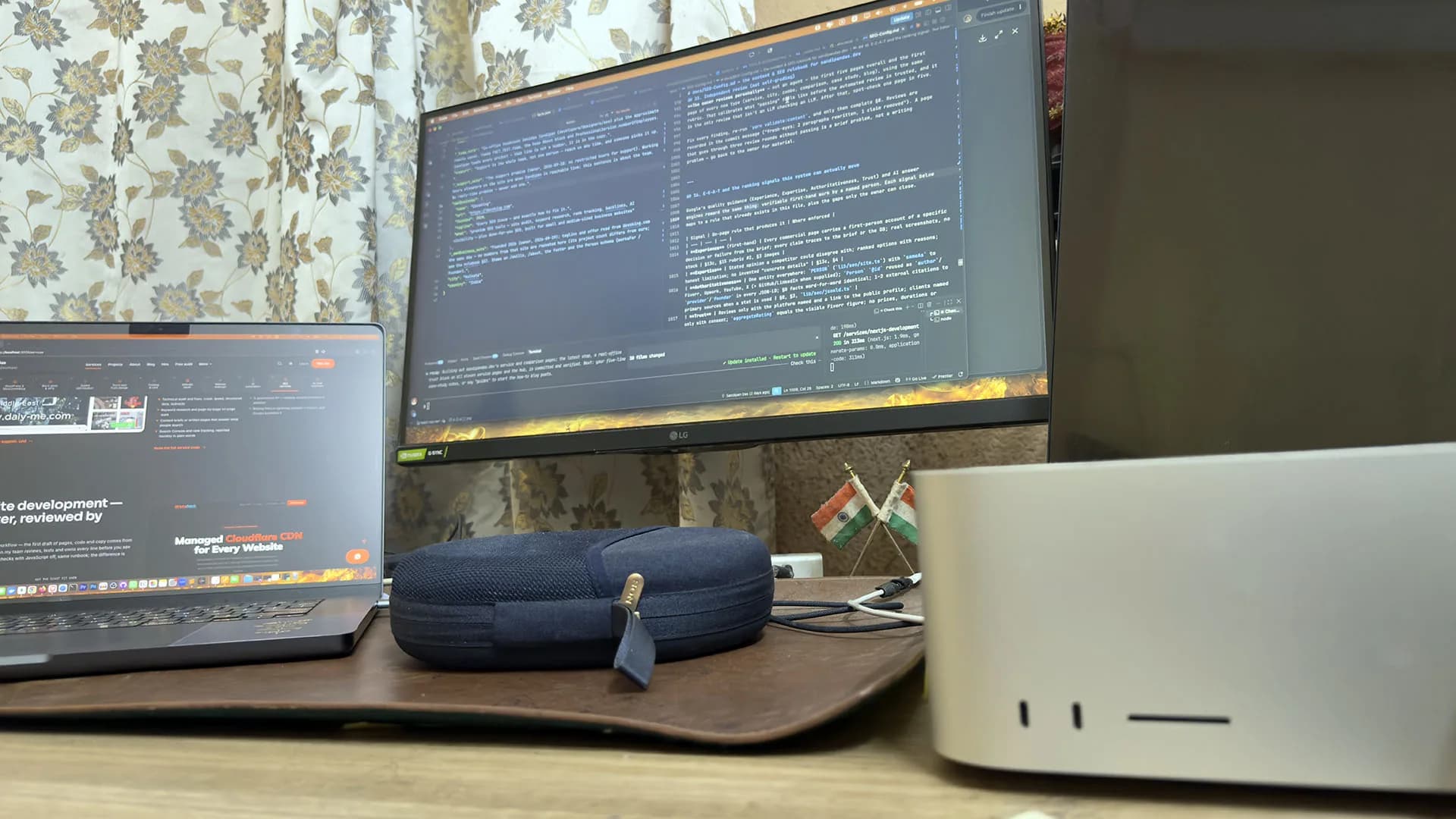
A real office, real people
Led by me, built with my team — in Kolkata, India.
The team: three developers, a designer and three SEO specialists in the Kolkata, India office, plus around six people working remotely. A developer writes down what's wrong before touching anything, fixes it on a staging copy after a backup, and you get a note saying what happened.

Sandipan Das
You talk to me; I’m the one accountable for the work.
- Availability
- The team works on your schedule, in your time zone.
- Support
- Support is the whole team, not one person — reach us any time, and someone picks it up.
Pricing
Paying for a repair: the reading, then each fix
The reading is paid for first, and then each fix you choose is priced on its own. There's no hourly meter running.
A hacked site with no clean backup takes the most work to recover, because it has to be cleaned by hand. When a clean backup exists, restoring is almost always the better route. That's why a care plan keeps backups away from the host.
Weighing it up
Care, maintenance, management or support. Which one fits?
Next step
Start with the address
“Fix my website” and the address are enough to start. On WordPress, send me the free check's result as well.
My WordPress site shows a white screen after an update — can you fix it today?
- The usual cause is a plugin or the theme that no longer works with the new PHP or WordPress version. For a WordPress white screen fix, I switch them off one at a time on a copy of the site until the broken one shows itself, then update or replace it. How quickly that goes depends on which plugin it is and what else it touches.
My website is not working after an update and the checkout has stopped — what do you need from me?
- For a broken checkout I need admin access and the login for the payment gateway account. I also need to know what changed just before it broke, because the cause is usually there. Before the repaired checkout goes live, I place a real test order myself.
My site was hacked — what happens now?
- A hacked site is handled under malware removal: the last clean backup is restored, the way in is closed and every password is changed.
Nobody is looking after my website any more — can you take it over?
- I start with the admin, hosting and domain logins for the site, plus any notes about it that exist. Then I read the plugins, theme, hosting and licences, and write down what works, what doesn't and what to fix first. You get that list and choose what gets fixed.
Do I need a repair or a rebuild?
- Whether the breaks keep coming back decides it. A site that is sound apart from one broken thing gets a repair. If new breaks keep appearing because the theme and plugins are too far behind, a rebuild on WordPress or Next.js is the better spend.
Published · Updated