
custom WordPress website development
Custom WordPress website development you can edit yourself
I build WordPress sites and shops for small businesses that want to add the next product or change a price without calling anyone.
- Theme built to your design
- Home, services, about, contact, blog — plus the pages in the sitemap we agree
- WooCommerce: products, shipping zones, payments, order emails
- Speed pass: caching, image sizes, plugin audit
- Every old address redirected; sitemap, metadata, structured data in place
- A runbook for your own updates, and fixes for anything that turns up once it's live
Try it
A WordPress page is made of blocks. Tap to build one.
Add or remove a block and watch the page reflow. Switch the shop on and WooCommerce brings the cart with it. After launch, this is what you edit yourself — no developer needed for a new section.
A sketch of how the pages are built, not a design. Yours starts from your brand, your photos and an approved homepage.
Overview
Custom WordPress website development: what gets built
I build the theme from your design. That is the custom part of custom WordPress website development. If you sell online, WooCommerce goes in and is set up for your products. Before launch, the pages get a speed pass.
A services business that changes its prices often is the kind of site I'd build this way. So is a shop that keeps adding products.
- Your design, built as a custom theme
- WooCommerce store development when you sell: products, shipping, tax, payments, order emails
- A speed pass before launch
- A care plan afterwards, if you'd like one
What a scope from me looks like
A first WordPress scope, in three columns
Included
- Theme built to your design
- Home, services, about, contact, blog — plus the pages in the sitemap we agree
- WooCommerce: products, shipping zones, payments, order emails
- Speed pass: caching, image sizes, plugin audit
- Every old address redirected; sitemap, metadata, structured data in place
- A runbook for your own updates, and fixes for anything that turns up once it's live
Phase two
- Membership or client login area
- Multi-currency or a second language
- Custom integrations (CRM, booking, ERP)
- Logo and brand design — quoted separately
- Copywriting — quoted separately
Not doing
- Product photography
Every scope I write has a column for what I'm not doing.
Once you sign it, the scope is what I build.
Process
Where the build waits on you
The copy, the photos and the product data come from you, and the build moves at the pace they arrive. The rest of the work is mine.
- 01
Discovery call
I doThree questions start it. What will you sell, and how many products? Who on your side will edit the site? Which parts change every week, and which hardly ever? Your answers decide the pages and the plugins.You doBring your product list, or a rough count, and the name of whoever will update the site.You get: My honest view on whether WordPress suits the site - 02
Strategy & Wireframes
I doI go through the old site and its analytics, map every page and form, then write the scope and the wireframes.You doLogins for the current site, the host and analytics, and your notes on the wireframes.You get: Written scope and wireframes, signed off - 03
Design & Develop
I doThe homepage design comes first, and nothing else starts until you've approved it. Then I build the theme on a staging site, and you can look at it at any point.You doApprove the homepage; send copy, images and product data as they are needed.You get: A staging URL, kept current through the build - 04
Review & Revisions
I doYou read every page on staging. I work through what you flag and tick each change off as it's done.You doOpen every page on your phone and your laptop, and mark what's wrong.You get: A revision log, every change confirmed - 05
Launch & Handover
I doRedirect map, sitemap, metadata and analytics go in. We switch DNS together on a call, and the logins are handed over with the runbook.You doStay on the call while we go live, then approve it.You get: The live site, the logins and the runbook - 06 · ongoing
SEO & Support
I doAfter launch, core and plugin updates keep arriving, and each one goes on after a backup. On a care plan my team does this, along with uptime checks.You doDecide who runs the updates.You get: Monthly care-plan reports, or the runbook's update steps

- Discovery callboth
- Strategy & Wireframes
- Design & Develop
- Review & Revisions
- Launch & Handoverboth
- SEO & Supportboth
Tech stack
Plugins, themes and editors I choose, and why
I name the tools, because each choice stays with the site after launch. I build on Elementor and on the block editor, and on Divi only when a site already runs on it. Elementor website design costs a little page weight in return for the drag-and-drop panel.
| CRITERION | What I use | Why |
|---|---|---|
| Core | WordPress | The stack I've built on most since 2017 |
| Editing | Elementor, or the block editor | Drag-and-drop in Elementor, or lighter pages with the block editor |
| Base theme | Astra or Hello | Light base themes, with the custom part built on top |
| Shop | WooCommerce | Products, variations, shipping zones and payments, all inside WordPress |
| Forms | One lightweight forms plugin | Every form on the site runs through the same plugin |
| Speed | A caching plugin, plus WebP images sized for their slot | The two changes I make first on a WordPress speed pass |
| Security | A security plugin, the users endpoint hidden, XML-RPC off | Common ways into a WordPress site, closed before launch |
What you get
Custom WordPress plugin development, for a rule no plugin covers
When no existing plugin does the job, I write one that does. It does one thing your business needs, like a booking rule or a price calculator. It can also add a content type of your own, such as Properties, with its own fields. I build it on WordPress hooks, so a core update won't overwrite it. A readme comes with it that the next developer can follow.
- Content types beyond pages — properties, menu items, staff — with their own fields and admin screens
- Business rules: bookings, quotes, calculators, memberships
- Integrations: your CRM, accounting or shipping software, through their APIs — or a web address other software can read your data from
- WooCommerce hooks: pricing rules, checkout fields, order flows
- A readme, a settings page and no licence tied to me
What you get
Elementor widgets made for your site
Some blocks your site needs aren't in Elementor's panel, so I build them. Custom Elementor widget development gives each one its own controls in the panel. A pricing table that reads from your products is one example. A team grid fed from your staff list is another. You drag the widget in, set its options and never touch code. It uses the site's design settings, so it matches the rest of the site.
Each widget loads only on the pages that use it, so every other page carries nothing extra.
- Widgets with real controls in the Elementor panel — colours, spacing, options
- Dynamic content: products, posts, staff, reviews from your own data
- Forms and calculators with your rules, posting where you say
- A readme, like a plugin, and it works with the theme you have
What you get
Custom WordPress theme development from your design
A custom theme carries only what your design needs, which helps keep the site fast. I build it from your design or your brand, on the block editor or as a classic theme. It has only the templates your content uses.
For a five-page site with a standard layout, I'll suggest a light base theme and a careful build instead. That is usually the better spend.
- Built from your design file, your brand or a reference site
- Ready-made layouts you drop in and edit (block patterns), or a classic theme
- Only the CSS and scripts your pages use, measured rather than assumed
- Your changes survive WordPress updates, and nothing is locked to me
Why it matters
Why I keep the plugin list short
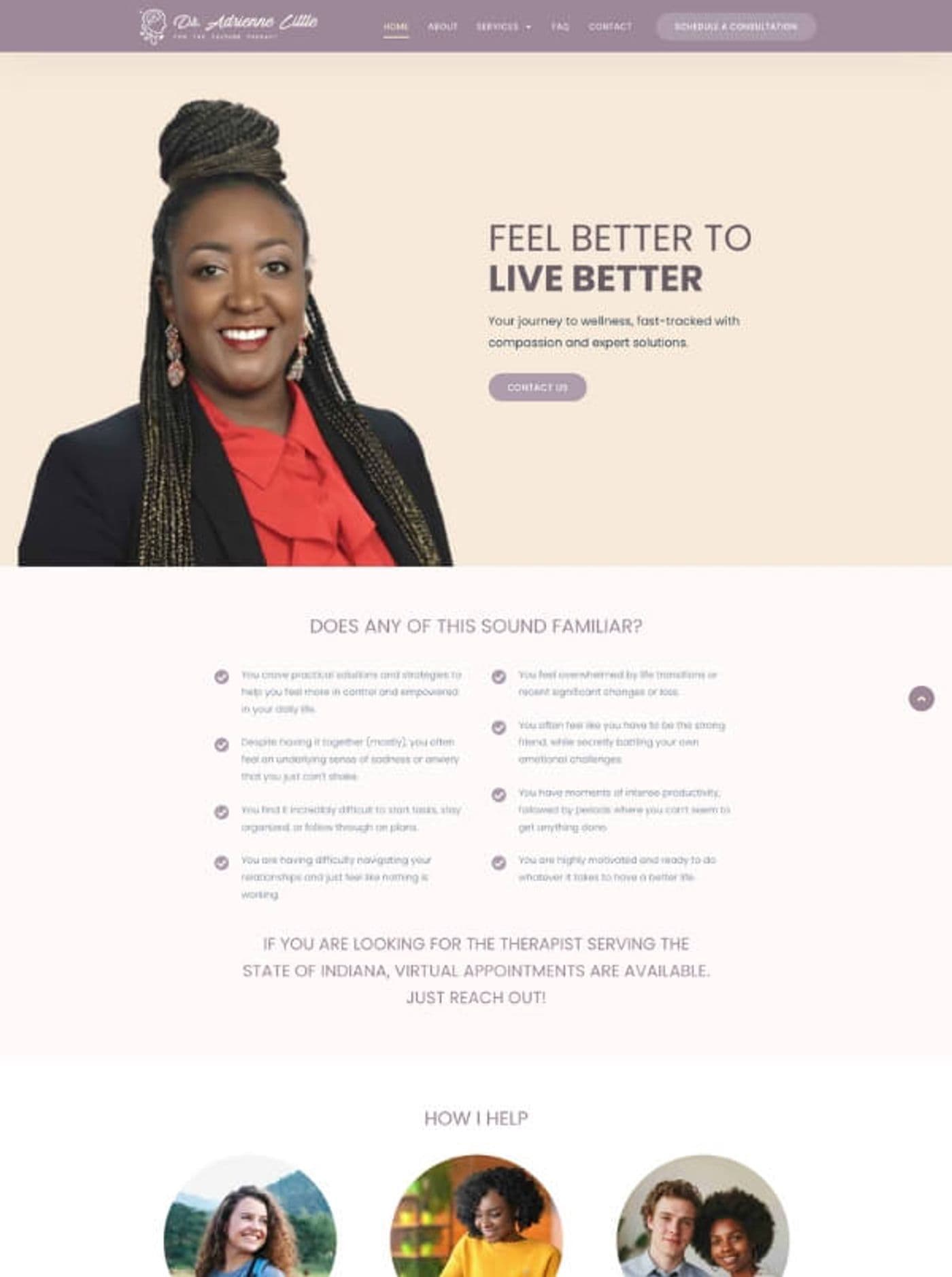
On Dr Adrienne Little's WordPress and Elementor site, I finished the project by showing her how to look after it. She maintains the site herself. In her review, that was the part she called important.
Each plugin is code that someone has to keep updating, and a plugin nobody updates is a common way into a WordPress site. So the plugin audit is in every scope, and every plugin left on the site is there for a reason I can name.
You can see where your own site stands with the free WordPress site check.
What the research says
Four published figures on speed, trust and checkouts
Speed, trust and checkout figures, each from a separate published study.
These figures are other people’s research, quoted as published. Your own site’s numbers come from the free checks and the audit.
Updates don't stop at launch
A WordPress site needs its core and plugins updated for as long as it is live. Decide who does it before launch, so the first update after go-live already has an owner.
Case study
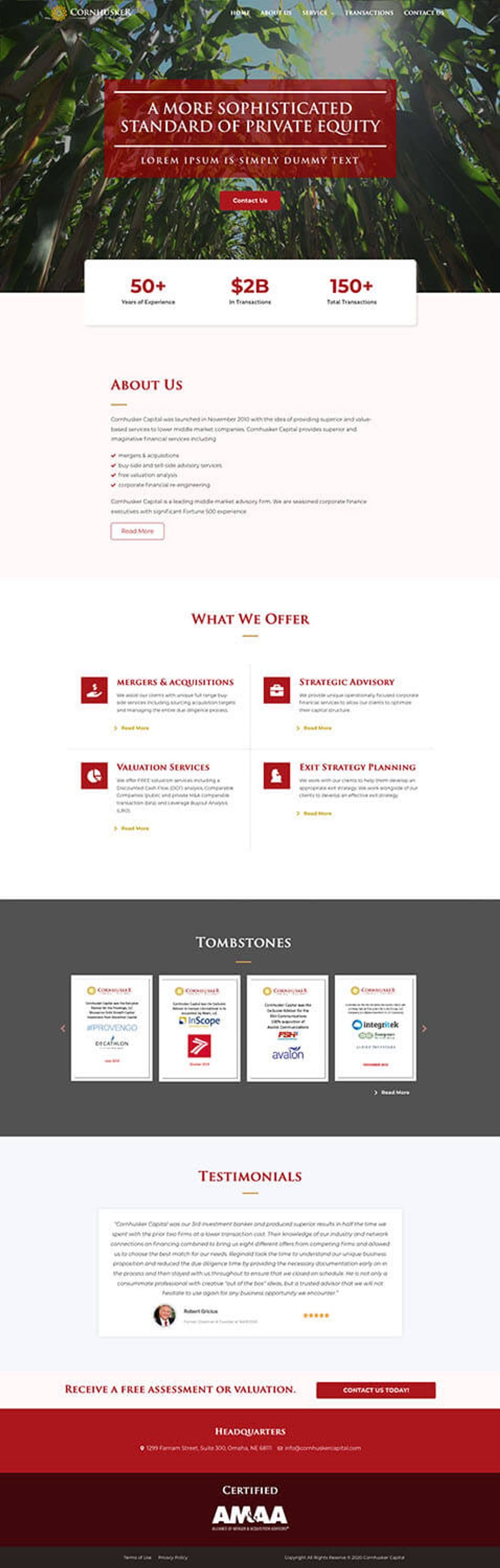
Cornhusker Capital on WordPress, 2024
Cornhusker Capital, a company in the United States, had me build their site on WordPress in 2024.
Attar Law Group was a complex build on the same stack. Activus Insurance asked me for a second site after the first.
Client feedback
In the clients' own words
- ★★★★★
“Great to work with! Very professional, communicates well and finds solutions to challenges that arise during the project.”
- ★★★★★Fiverr
“He didn't mind jumping on a Zoom when needed and explained how to maintain the site myself at the end, which is important.”
- ★★★★★
“This is the second website he has created for us. He is professional and communicative and delivers beautiful work quickly. I highly recommend Sandipan.”
After launch
You add the next product yourself
Say a new product arrives on a Monday. You log in, add it and set the price. The shop shows it as soon as you press publish. When the plugins need updating, the runbook is there to follow. If you would rather not touch updates at all, my team can take them on as a care plan.
- 900+ projects
- since 2017
- 4.9★
- 400+ five-star reviews on Fiverr
- 9+ years
- building WordPress and Next.js sites
Support is the whole team, not one person — reach us any time, and someone picks it up.
“Working with Sandipan Das was fantastic! The attention to detail and professionalism in his work was outstanding, and his proactive communication and timely delivery made the entire process smooth. He crafted the website exactly as I envisioned—highly recommend! 👍”
Schedule a Meeting
Book a call and show me the site or the shop you have in mind. You'll leave knowing whether WordPress is the right fit for it.
A real office, real people
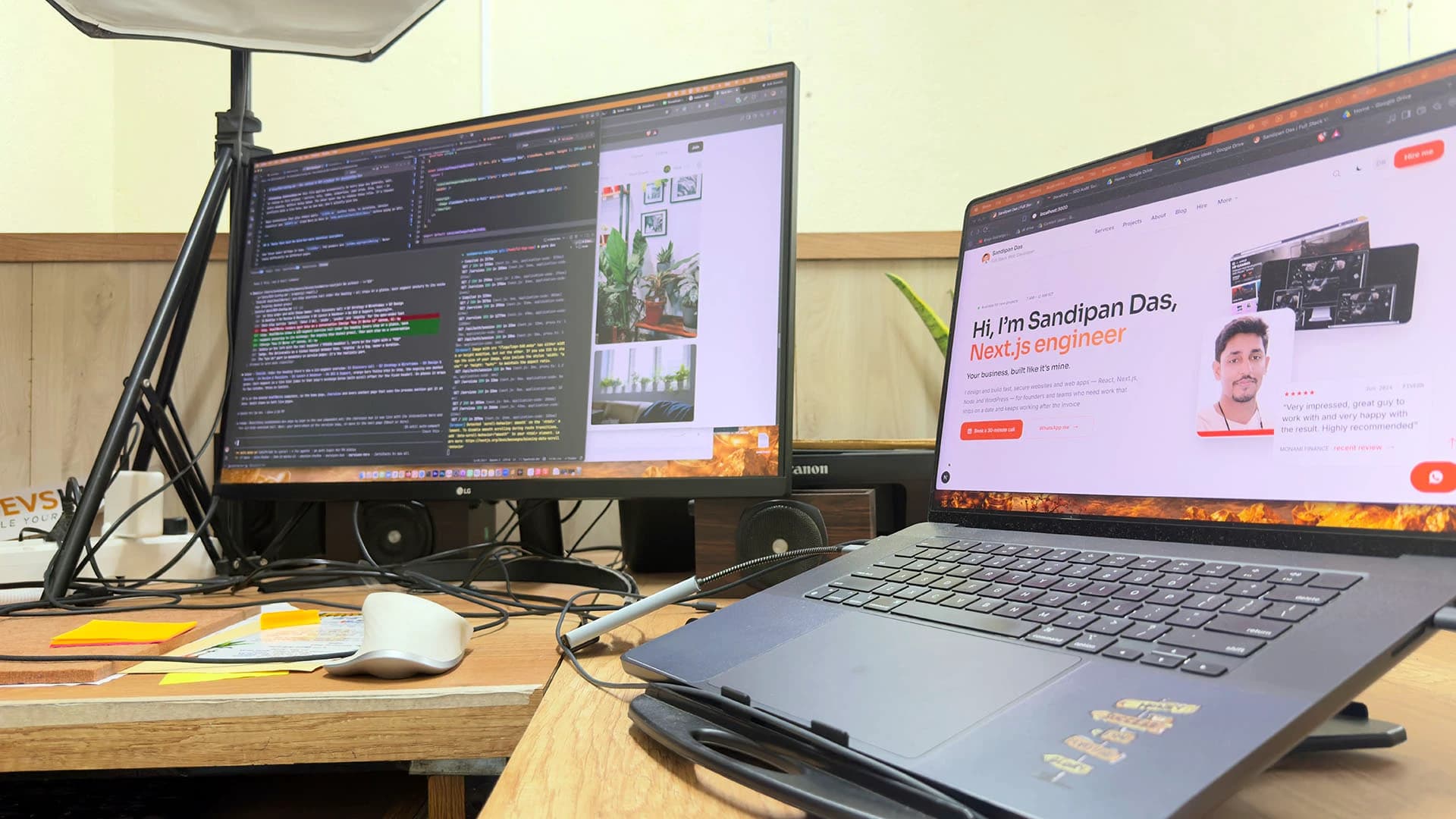
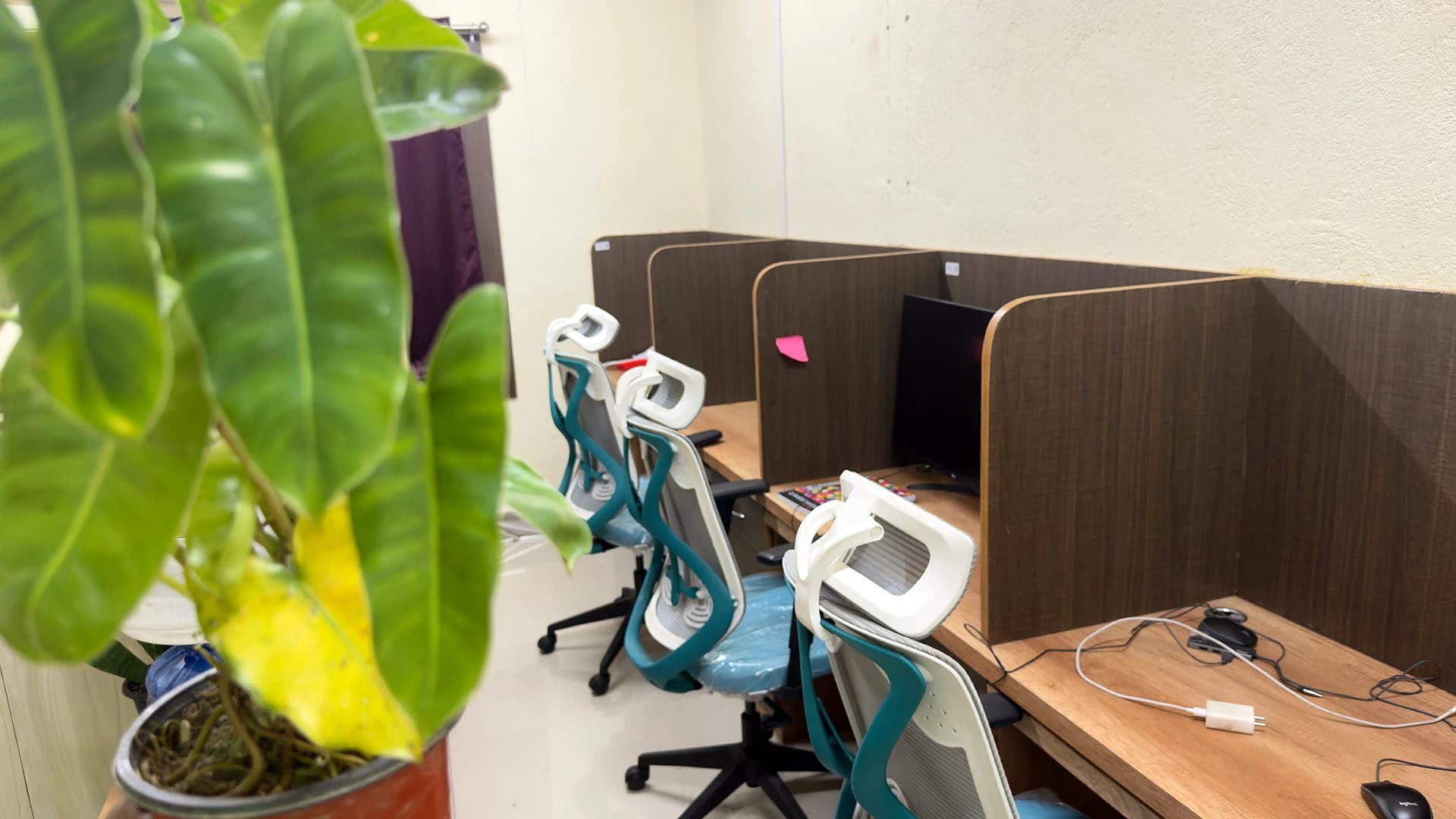
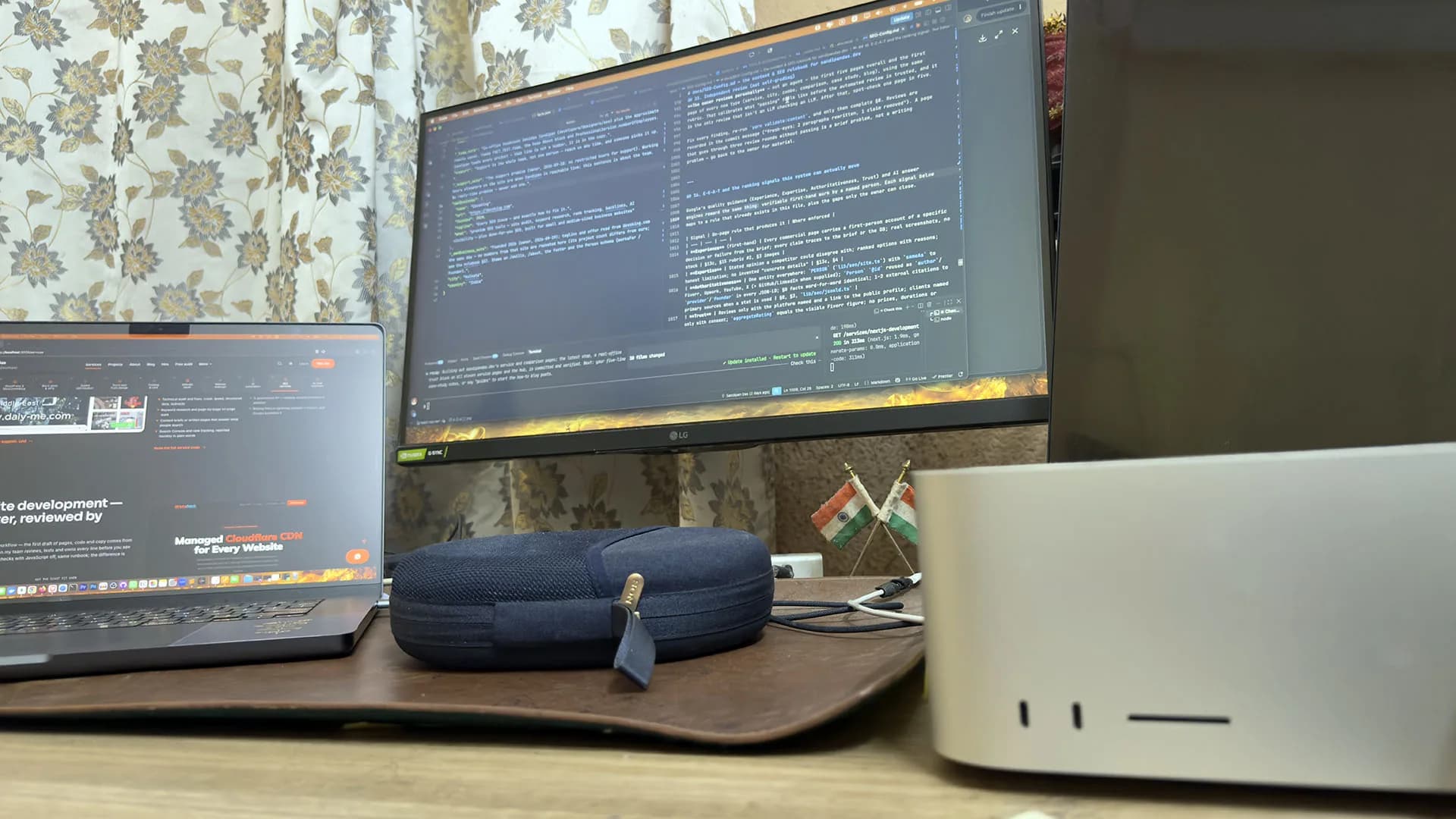
Led by me, built with my team — in Kolkata, India.
The team: three developers, a designer and three SEO specialists in the Kolkata, India office, plus around six people working remotely. Our developers set the theme to your design and WooCommerce up properly, then hand you a runbook so the editing stays with you.

Sandipan Das
You talk to me; I’m the one accountable for the work.
- Availability
- The team works on your schedule, in your time zone.
- Support
- Support is the whole team, not one person — reach us any time, and someone picks it up.
Pricing
Your quote is the scope, priced line by line
The quote follows the scope, line for line. Take a line out and the price changes with it. A change request is quoted the same way.
Application logic goes to Next.js development instead. An old site that needs a new look is a redesign. A broken one needs a repair. If you'd like AI to write the first draft and a developer to check it, that's AI website development.
Next step
Bring the pages you have in mind
Tell me the jobs the site must do. After the call you get a written scope, then a staging URL.
Should my WordPress site use Elementor, Divi or the block editor?
- Pages that are mainly words and pictures stay lightest on the block editor. Elementor suits a WordPress site where you'd like to rearrange sections often. Divi makes sense when the site already runs on it.
Do you set up WooCommerce shipping, tax and payments?
- Yes. Shipping zones and tax rates are set in WooCommerce, products and variations go in, payments are connected and the order emails are tested. For WooCommerce store development I need your product data, your shipping rules and access to your payment accounts.
Will a WordPress site be fast, or is WordPress always slow?
- Plugins and images decide most of a WordPress site's speed. On a light theme, with caching and correctly sized WebP images, a WordPress site can pass Core Web Vitals. You can measure any page with the free speed check, before and after.
Can you take over a WordPress site someone else built?
- I keep the theme and page builder a site already has, Divi included, when they still do the job. Then I check every plugin against what the site needs, remove what nothing uses, and write down what each remaining one does. If the check shows a rebuild is the better spend, you hear that before any money is spent.
Is WordPress right for a small business website?
- When the content changes often and the site is mainly pages to read, with perhaps a shop or a booking form, WordPress is the right choice for a small business. A site built around user accounts and dashboards fits Next.js better.
Published · Updated