
website redesign services
Website redesign services: a new site built from the one you have
A redesign updates how your existing site looks and works, and keeps the pages that already bring people in.
- Inventory of the old site: pages, rankings, links, content to keep
- New design, built to your brand
- Every template the new site needs: home, services, about, contact, blog
- Content moved across and edited where it needs it
- Redirects, sitemap, metadata and structured data set up for launch
- A speed pass, a short runbook for editing the pages, and fixes for anything that turns up after launch

Try it
New look, same addresses. Tap an old URL.
Left: the addresses the old site earned over the years. Right: where each one goes on the new site. The arrow is the redirect — without it Google sees a new page with no history. Drag the handle to see the look change on the same address.
same address: yourbusiness.com/about
This page ranks — its history follows the arrow to the new address.
A sketch of the map, not your site's. The real one is written from the inventory — every old URL, what it ranks for, where it lands — and checked in Search Console after launch.
Overview
What website redesign services include
Your site still turns up on Google, but it looks old, loads slowly or makes it hard to get in touch. That's the site my website redesign services are for.
Some of your pages bring visits, some bring enquiries, and some are hardly ever opened. Which is which decides what moves across.
- A list of every old page, with what it brings in and whether it stays
- A new design for each page template
- Content moved across by hand and tidied where it needs it
- A speed pass before launch
- A website redesign checklist we both work from, up to launch day
What a scope from me looks like
A sample redesign scope
Included
- Inventory of the old site: pages, rankings, links, content to keep
- New design, built to your brand
- Every template the new site needs: home, services, about, contact, blog
- Content moved across and edited where it needs it
- Redirects, sitemap, metadata and structured data set up for launch
- A speed pass, a short runbook for editing the pages, and fixes for anything that turns up after launch
Phase two
- New copy for pages that don't exist yet
- A shop or booking flow the old site didn't have
- Logo and brand design, priced on its own
Not doing
- Native mobile apps
- Product photography
Each old page gets a line in the scope, marked keep or drop, with the reason beside it.
One condition. Someone on your side decides what stays, and I need that person named at the start.
Process
Steps to a website relaunch
Your part in each step is the content. I turn your keep-or-drop decisions into pages.
- 01
The call
We talk about what the site does for the business today, where it falls short, and what must not be lost.- You
- Tell me what the site brings in now and where it lets you down.
- Get
- My honest view on whether it needs a redesign at all
- 02
Inventory and redirect map
Every page goes on the inventory with what it ranks for, which links point at it, and whether it stays. The scope and the first redirect map follow. Wireframes are drawn only where the structure changes.- You
- Access to the old site, analytics and Search Console, and your keep-or-drop decisions.
- Get
- The page list, scope and wireframes, signed off
- 03
Design, then build
You approve the homepage design first, then each template. I build on a staging site and move the content across page by page.- You
- Send new copy and images when a page needs them.
- Get
- A staging link that shows the latest work
- 04
Your click-through
You go through the staging site page by page, on the screen your customers use most. I fix what you flag and show you each fix.- You
- Click through on your own phone and mark anything that looks wrong.
- Get
- A log of every change, each one confirmed
- 05
Launch
The redirects go live with the site, and the sitemap, metadata and analytics switch over. Afterwards I check the old addresses in Search Console.- You
- Give the final go-ahead for launch.
- Get
- The live site, checked redirects and the runbook
- 06ongoing
Watching Search Console
After launch, someone has to watch Search Console for crawl errors and pages that dropped out. My team does that on a care plan. If your own staff would rather do it, I'll give them the list of what to look at.- You
- Decide who watches it: my team or yours.
- Get
- Monthly reports from my team, or the watch list for yours
- The callboth
- Inventory and redirect map
- Design, then build
- Your click-through
- Launchboth
- Watching Search Consoleboth
Tech stack
WordPress or Next.js for the new site
My rule is simple. If you'll be the one editing pages, I use WordPress. If the site needs to behave like an application, I use Next.js.
- WordPress
- on the block editor or Elementor
- Next.js and React
- Permanent (301) redirects at the server
- from a checked map
- Moved page by page
- not exported in bulk
- WebP images sized to fit
- page caching and a plugin check
- Search Console
- before and after
Why it matters
Website redesign without losing SEO: the old addresses
A page holds its place in Google under one address. Move its words to a new address and leave the old one showing an error, and that place is lost along with the old address. A permanent redirect from the old address passes it on, so every old address gets one.
The plainest page on an old site is sometimes the one that ranks best. I keep its words and change how it looks.
With the redirects live, SEO work picks up from the old site's numbers instead of from zero.
What the research says
Design, trust and access, in published figures
Stanford asked 2,684 people how they judge whether a website is credible. WebAIM tested the top one million home pages for accessibility.
These figures are other people’s research, quoted as published. Your own site’s numbers come from the free checks and the audit.
What a redesign waits for
New copy and new photos are what a redesign waits for. So I plan the build around the pages that already exist, and slot new pages in when their words arrive.
Case study
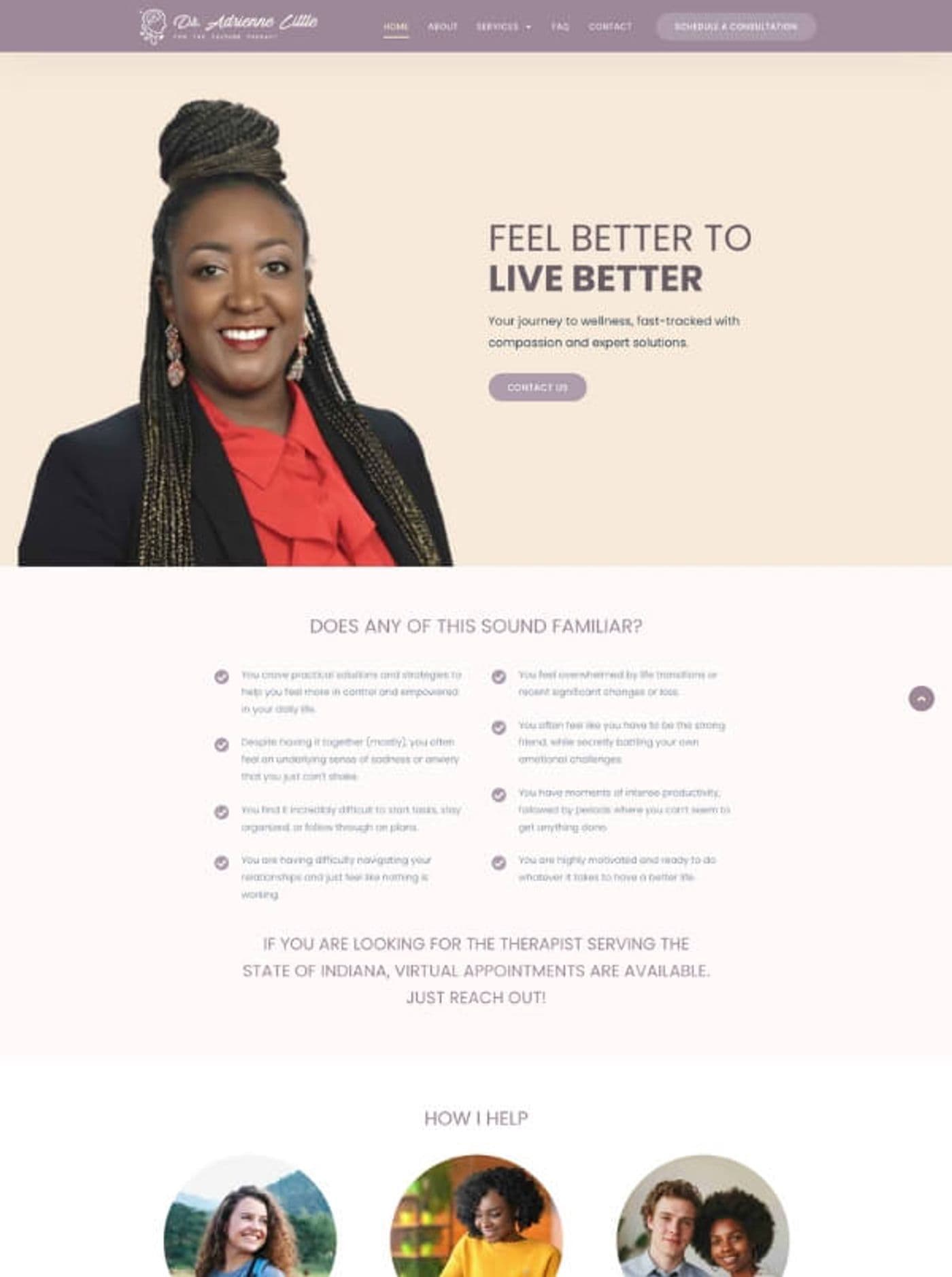
Tesla Electrical Company's old site and Dr Adrienne Little's sample
Tesla Electrical Company came to me for an old website redesign. I rebuilt it on WordPress, using Elementor, in 2024.
Dr Adrienne Little came with something else: a sample site she knew already converted, and she wanted her own version of it. I could have started her design from a blank page. I worked from her sample instead, because she already knew that layout brought her results.
Client feedback
What clients say
- ★★★★★
“Sandipan did a perfect job redesigning my old website.”
- ★★★★★Fiverr
“He didn't mind jumping on a Zoom when needed and explained how to maintain the site myself at the end, which is important.”
For your customers
The new look opens on the links they already have
Customers see the new design the next time they visit. The links they saved, and the ones Google shows, still open the right page. Behind the scenes, you edit the pages yourself, and the runbook shows you how.
- 900+ projects
- since 2017
- 4.9★
- 400+ five-star reviews on Fiverr
- 9+ years
- building WordPress and Next.js sites
Support is the whole team, not one person — reach us any time, and someone picks it up.
“The freelancer demonstrated excellent problem-solving abilities, tackling challenges head-on and coming up with innovative solutions, maintains clear, concise, and prompt communication. Any questions or concerns I had were addressed quickly and professionally.”
Schedule a Meeting
Send the current site's address, and we'll pick out the pages worth carrying across.
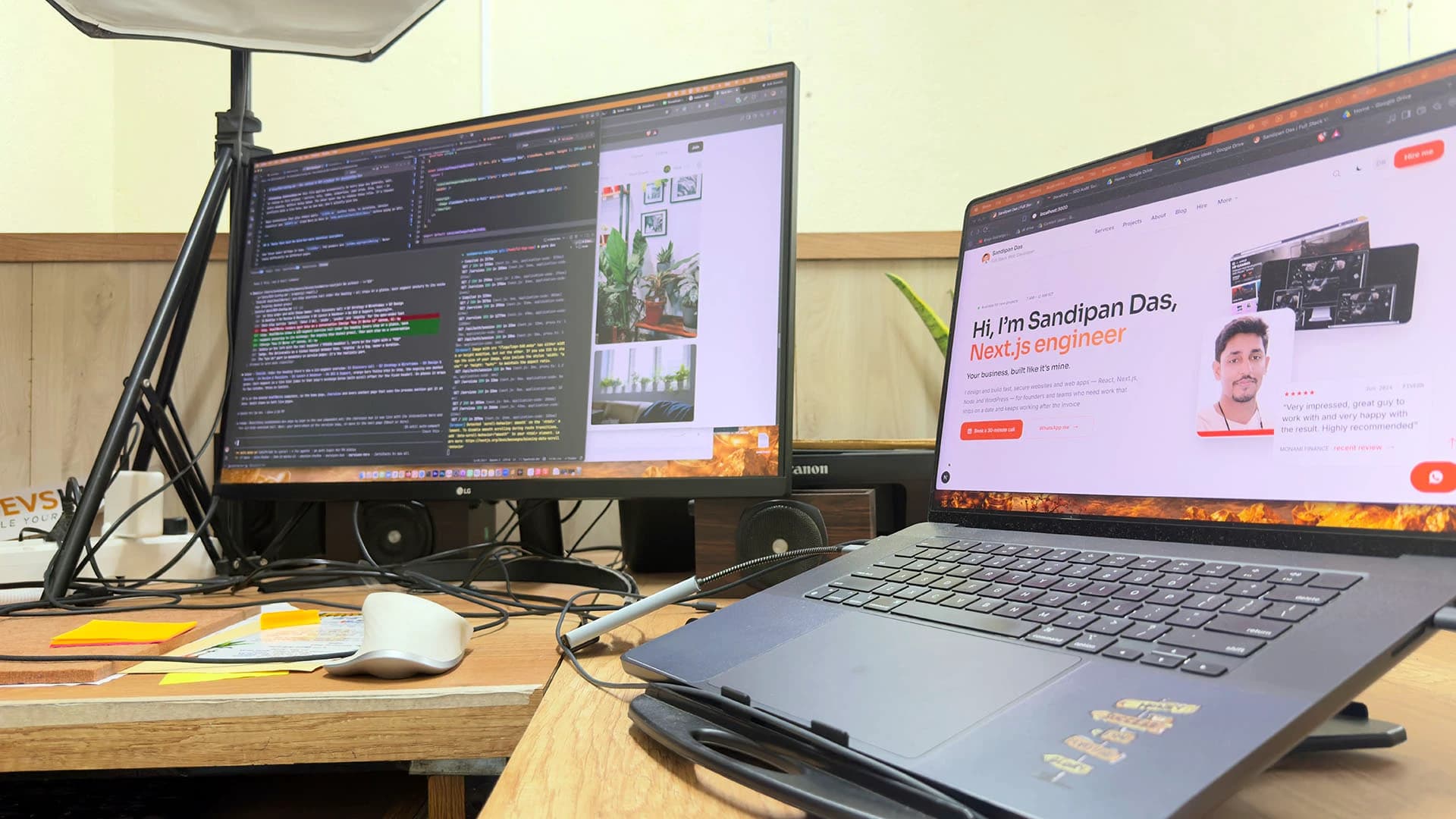
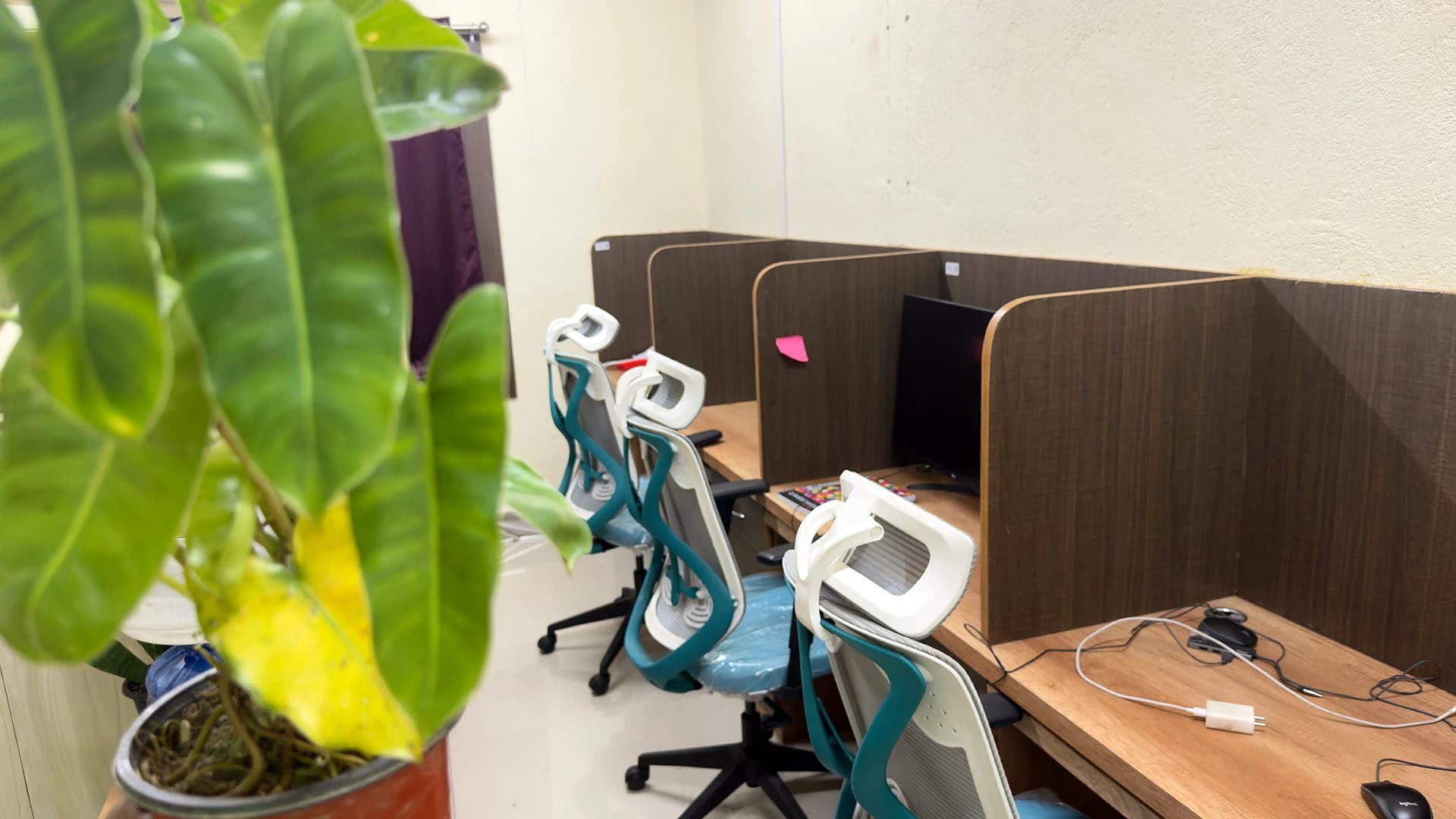
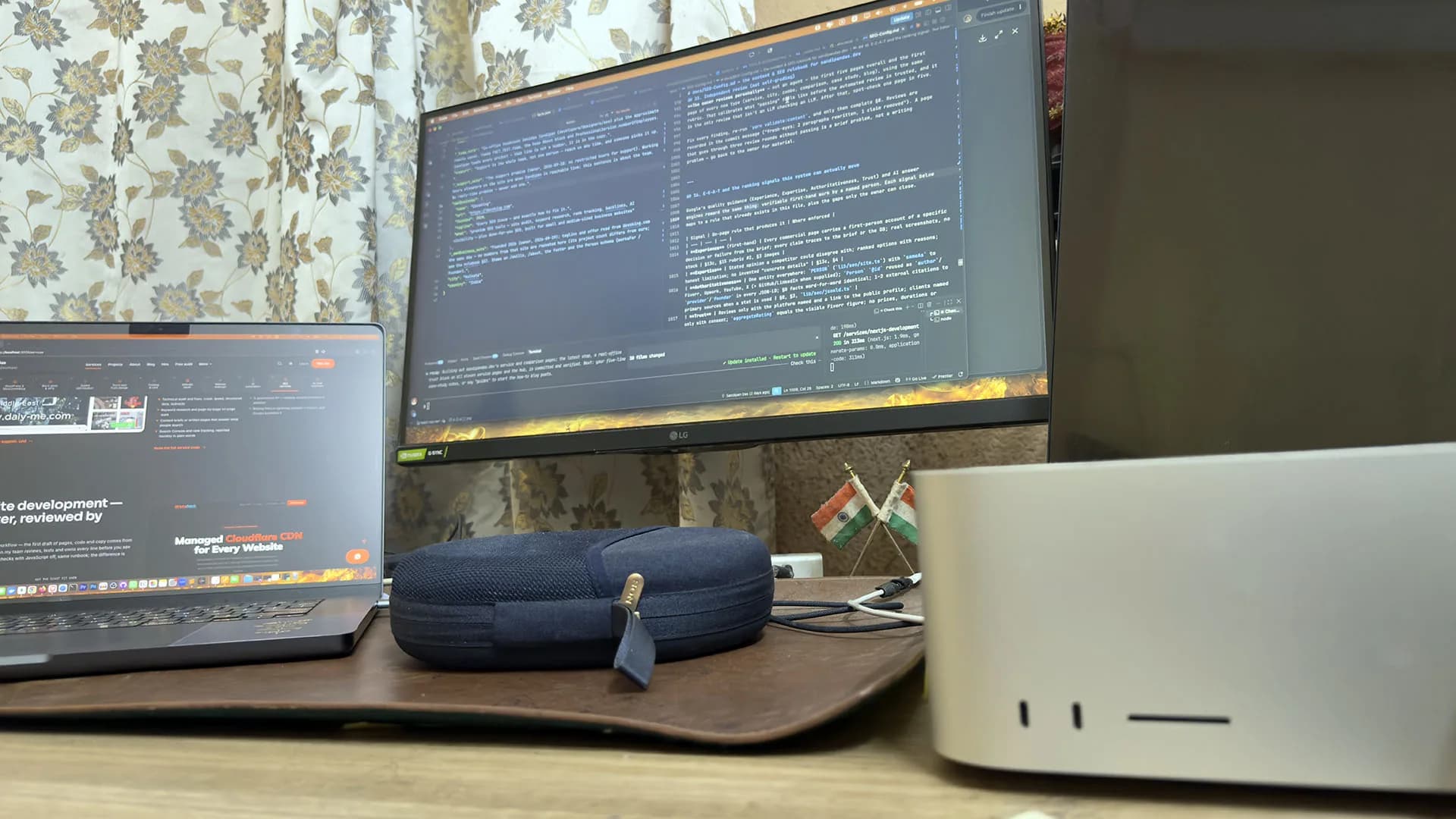
A real office, real people
Led by me, built with my team — in Kolkata, India.
The team: three developers, a designer and three SEO specialists in the Kolkata, India office, plus around six people working remotely. Every old URL gets a redirect to its new one, and you approve the homepage design before the rest is built.

Sandipan Das
You talk to me; I’m the one accountable for the work.
- Availability
- The team works on your schedule, in your time zone.
- Support
- Support is the whole team, not one person — reach us any time, and someone picks it up.
Pricing
How a redesign is priced
I price a redesign part by part, and the scope is written before any design starts. If you ask for something new halfway through, it's priced on its own and you decide whether to add it.
Read how a scope is priced before we talk, if you like.
- The page templates
- Moving the content across
- The redirects
- The speed pass
- Content and brand work, only if you want them
Next step
Show me the old site
Book a call and keep the old site open while we talk. We'll go through it together, starting with the pages that bring you enquiries.
Will a website redesign lose my Google rankings?
- Your rankings stay when every old address redirects to the page that now holds its content, and the words that ranked are kept. I check each redirect in Search Console after launch. Rankings drop when old addresses lead to error pages, or when a page that ranked is replaced by one that says less.
Can we keep the content from our old website?
- Yes, the old pages that rank or that customers use move across to the new site one at a time, tidied where they need it. Pages nobody visits are dropped, and their old addresses point to the closest page that remains.
Redesign, rebuild or website relaunch: what's the difference?
- The difference is whether the platform changes. A redesign keeps the platform, along with the content worth keeping, and changes the look, the speed and the path to an enquiry. A rebuild moves the site to a new platform as well, for example WordPress to Next.js. A relaunch is simply the day either one goes live.
How long does a website redesign take?
- Content decides how long a redesign takes, more than design does. When the pages already exist, the build keeps moving. When it needs new copy and photos, it waits for them. Once the old pages are listed, I can tell you which kind of redesign yours is.
Can I edit the new site myself after a WordPress website redesign?
- On a WordPress site you edit the pages yourself in the block editor or Elementor, and I hand over a short runbook that shows how. On Next.js, editing needs a CMS added, which is its own item in the scope. Who will be changing the pages is usually what decides the platform.
Published · Updated