
website speed optimization service
Website speed optimization service, measured before and after
If a PageSpeed report has told you your site is slow on phones, a speed pass finds what is slowing it and fixes that, one page at a time.
- Baseline measurement of the pages that earn money, saved
- Image weight cut: resizing, WebP, lazy loading
- Caching, compression and browser cache headers
- Scripts deferred; unused plugins, fonts and embeds removed
- Hosting response measured, with a recommendation if it is the bottleneck
- A report on the pass, handed to you
- 9+ years
- building for the web, since 2017
Try it
Reload the page before and after the pass.
Left: a page with a 4 MB hero image and no caching. Right: the same page after the pass. The clock runs at double speed, and the green line is Google's 2.5-second mark for the main image.
Illustrative timings, not your site's — the free speed check measures the real thing, and the pass is reported as measured-before / measured-after.
Overview
Website speed optimization service: what gets fixed
The pages that bring you enquiries get fixed first. My website speed optimization service works on the site you already have, and the fixes go in the order that does most to reduce page load time.
I don't promise a score. I'll show you how to run the same test yourself, so you never have to take my word for the number.
WordPress sites and WooCommerce stores have their own WordPress speed optimization service, which adds the plugin, theme and WooCommerce checks.
- Images resized, converted to WebP and lazy-loaded below the fold
- Caching and compression set up on the host and in the site
- Render-blocking scripts deferred; embeds and tag managers weighed one by one
- The host's first response timed as part of the audit
What a scope from me looks like
The edge of a speed pass
Included
- Baseline measurement of the pages that earn money, saved
- Image weight cut: resizing, WebP, lazy loading
- Caching, compression and browser cache headers
- Scripts deferred; unused plugins, fonts and embeds removed
- Hosting response measured, with a recommendation if it is the bottleneck
- A report on the pass, handed to you
Phase two
- Hosting migration
- Theme or page-builder replacement
- A redesign or new pages, as a separate job
- Monthly speed checks on a care plan
Not doing
- Sites on platforms without code access
A speed pass touches only what makes the pages slow. If the look needs changing as well, a redesign is quoted as its own job.
Every change is made on a staging copy first, so nothing reaches your live site untested.
What the research says
What Google and Deloitte measured about load time on phones
Google measured real mobile visits, and Deloitte measured what a tenth of a second was worth across 37 brand sites. The green band is the load time Google calls good.
At 3.0 s a mobile visitor is +32% more likely to leave than at 1 s, as Google published it. Measure your page →
The rise after mobile pages got 0.1 seconds faster.
- Retail conversion rate8.4%
- Retail spend per order9.2%
- Travel conversion rate10.1%
These figures are other people’s research, quoted as published. Your own site’s numbers come from the free checks and the audit.
Process
From the first call to the faster live site
Six steps, and your part is mostly handing over access. The one decision that may land on you is a plugin you rely on.
- 01
The call
We go through the pages that matter, the platform and the host, and what changed when the site slowed down.- You
- Name your money pages, and share a PageSpeed report if you have one.
- Get
- Whether a speed pass is worth it for this site
- 02
Measure and audit
The key pages are measured and saved as the baseline. Then I audit images, scripts, caching and hosting response, and order the fix list by effect.- You
- Logins for the site, the host and analytics.
- Get
- A written fix list beside the baseline numbers
- 03
The fixes, on a copy
The fixes go onto a staging copy in order. Images come first, then caching, then scripts, then anything else on the audit list.- You
- Nothing, unless a plugin or embed needs your decision.
- Get
- A staging copy to try for yourself
- 04
Your check on the copy
You check the staging copy on your phone to make sure everything still works. I adjust anything that broke.- You
- Go through the pages you care about most.
- Get
- A copy that works the way your customers use it
- 05
Live on your site
The changes go live, and the final numbers go into the report.- You
- Sign off.
- Get
- The report
- 06ongoing
Keep it fast
New plugins and new content slowly add weight back. A care plan measures the site monthly and keeps it in shape.- You
- Choose a care plan, or check it yourself with the free tool.
- Get
- A monthly number, or the tool link
- The call
- Measure and audit
- The fixes, on a copy
- Your check on the copy
- Live on your site
- Keep it fastboth

Why it matters
Slow pages cost you on mobile
Each fix on the list is tied to one of Google's three Core Web Vitals. Resized images and caching improve LCP, the time until the largest thing on screen appears. Deferred scripts help the page react when someone taps. Image sizes written into the code stop the layout jumping while it loads.
Those scores feed into ranking, but the bigger cost is the visitor. Someone on a phone gives a page very little time. If nothing useful shows up, they go back and tap the next result.
I run the phone test first and the laptop test second, because a phone on mobile data is where your visitors wait longest.
The slow-site cost calculator turns your own traffic and conversion rate into lost enquiries. It works only with your numbers, so I don't quote a general figure.
Core Web Vitals assessment failed: reading the verdict
A failed Core Web Vitals assessment in PageSpeed Insights is measured on your real visitors, not by the lab test printed under it. Google gathers it from Chrome users who share usage data, over the previous 28 days. The assessment passes only if all three vitals are "good" for at least three visits in four (the 75th percentile). If one of them misses that line, the whole assessment fails.
That's how a page can score well in the lab and still fail. The lab run is one load on one simulated phone. The assessment is your actual visitors, on their own phones and networks.
The field result catching up takes longer than people expect. A fix shows in the lab number straight away, but the assessment only turns as new visits replace old ones in that 28-day window.
A Core Web Vitals optimization service has to aim at those field numbers, because they're the ones Google reads. Google's page experience guidance says its ranking systems use Core Web Vitals. The same guidance says the most relevant page still wins, even when its experience is poor.
Keep the settings list
The report names every setting that made the site faster. Keep it, so a later plugin update doesn't quietly undo the work.
What you get back
The report, and the settings to leave alone
The report shows each key page twice, as it was and after the fixes, tested on the same connection. Under that sits a short list of settings that have to stay as they are. If a new plugin or a theme update puts the weight back on later, that list is how you'll spot it.
- 900+ projects
- since 2017
- 4.9★
- 400+ five-star reviews on Fiverr
- 9+ years
- building WordPress and Next.js sites
Support is the whole team, not one person — reach us any time, and someone picks it up.
“The freelancer demonstrated excellent problem-solving abilities, tackling challenges head-on and coming up with innovative solutions, maintains clear, concise, and prompt communication. Any questions or concerns I had were addressed quickly and professionally.”
Schedule a Meeting
Send me the address of the slow page first, so we can start by looking at what is holding it back.
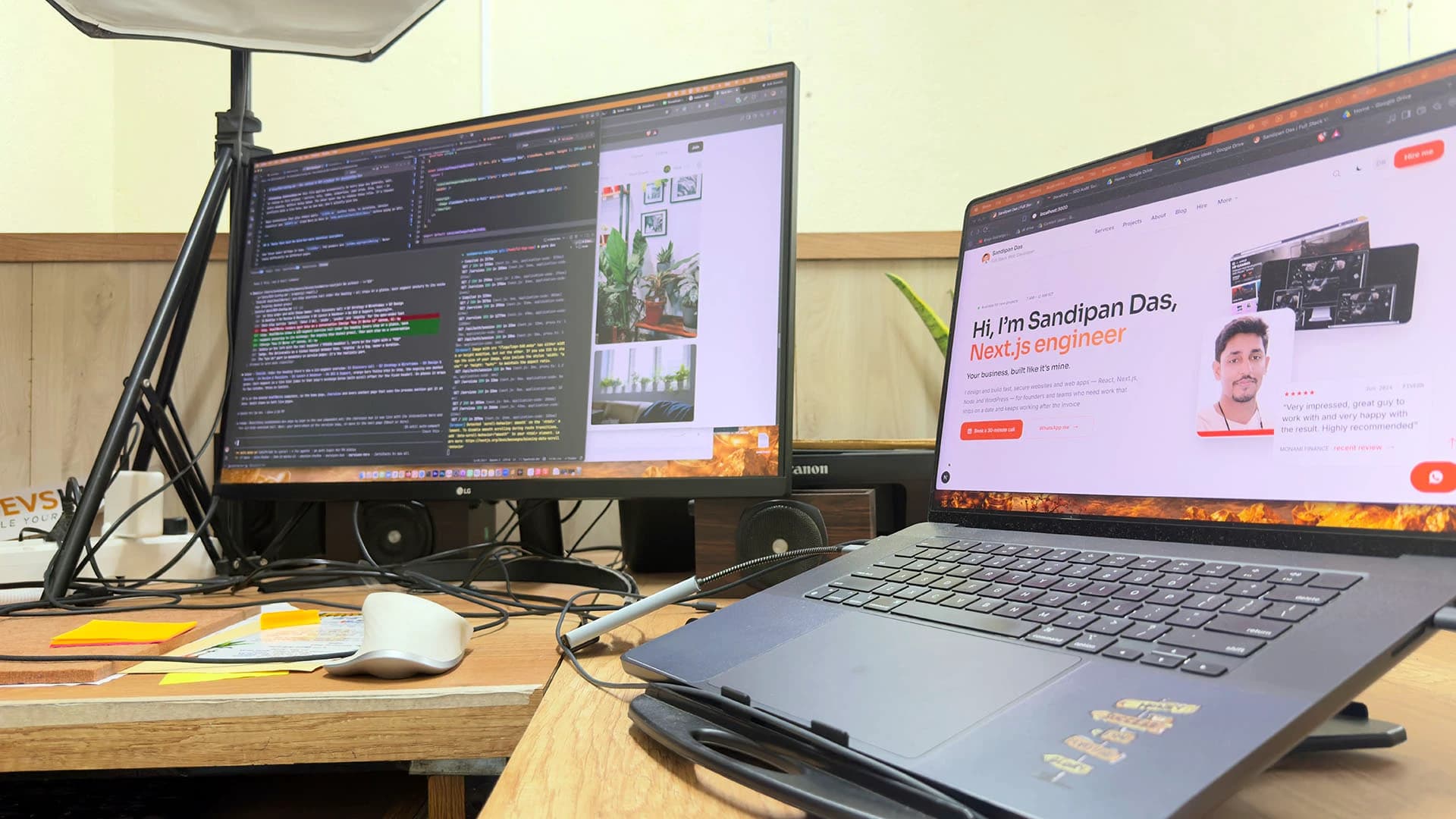
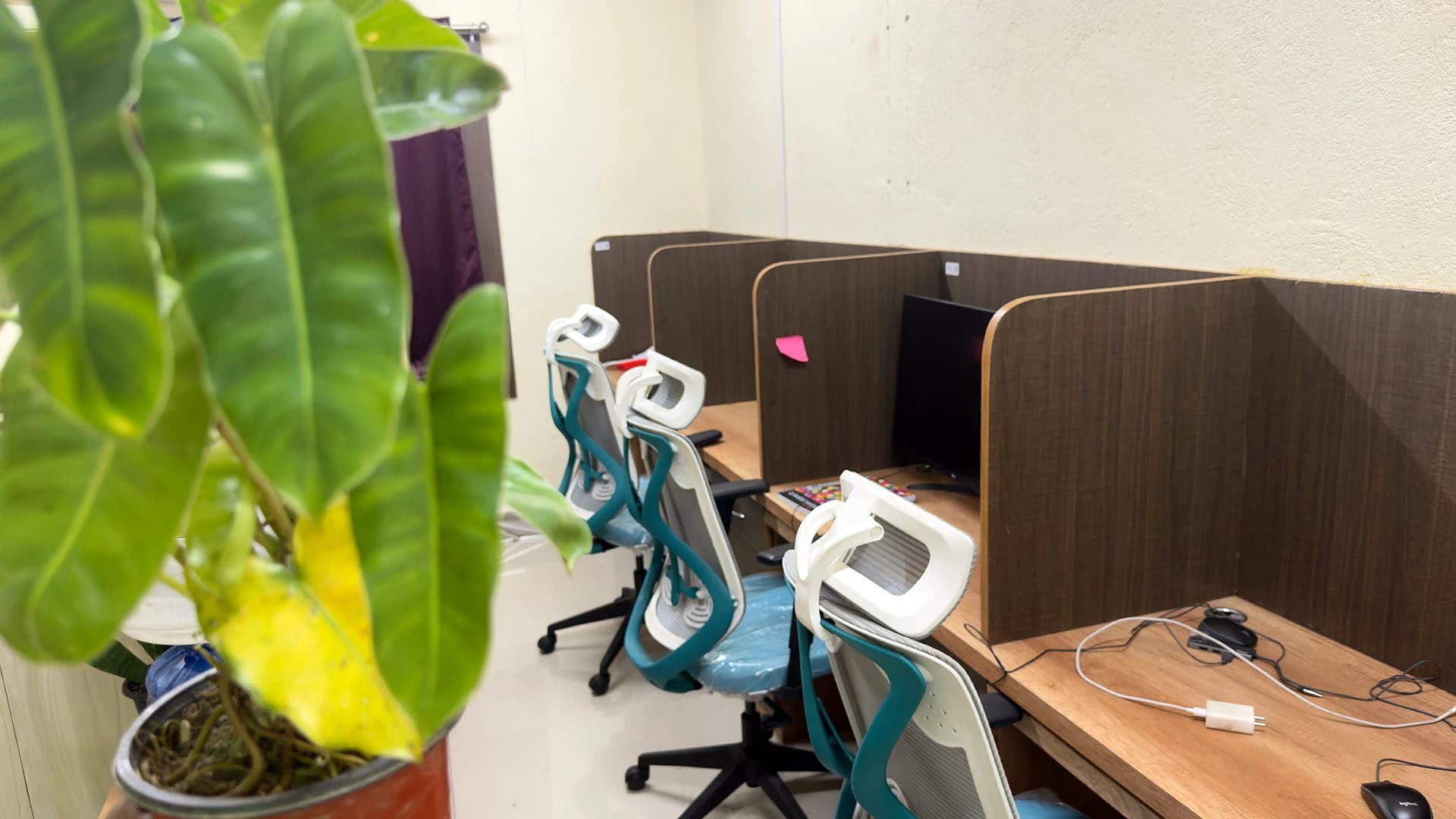
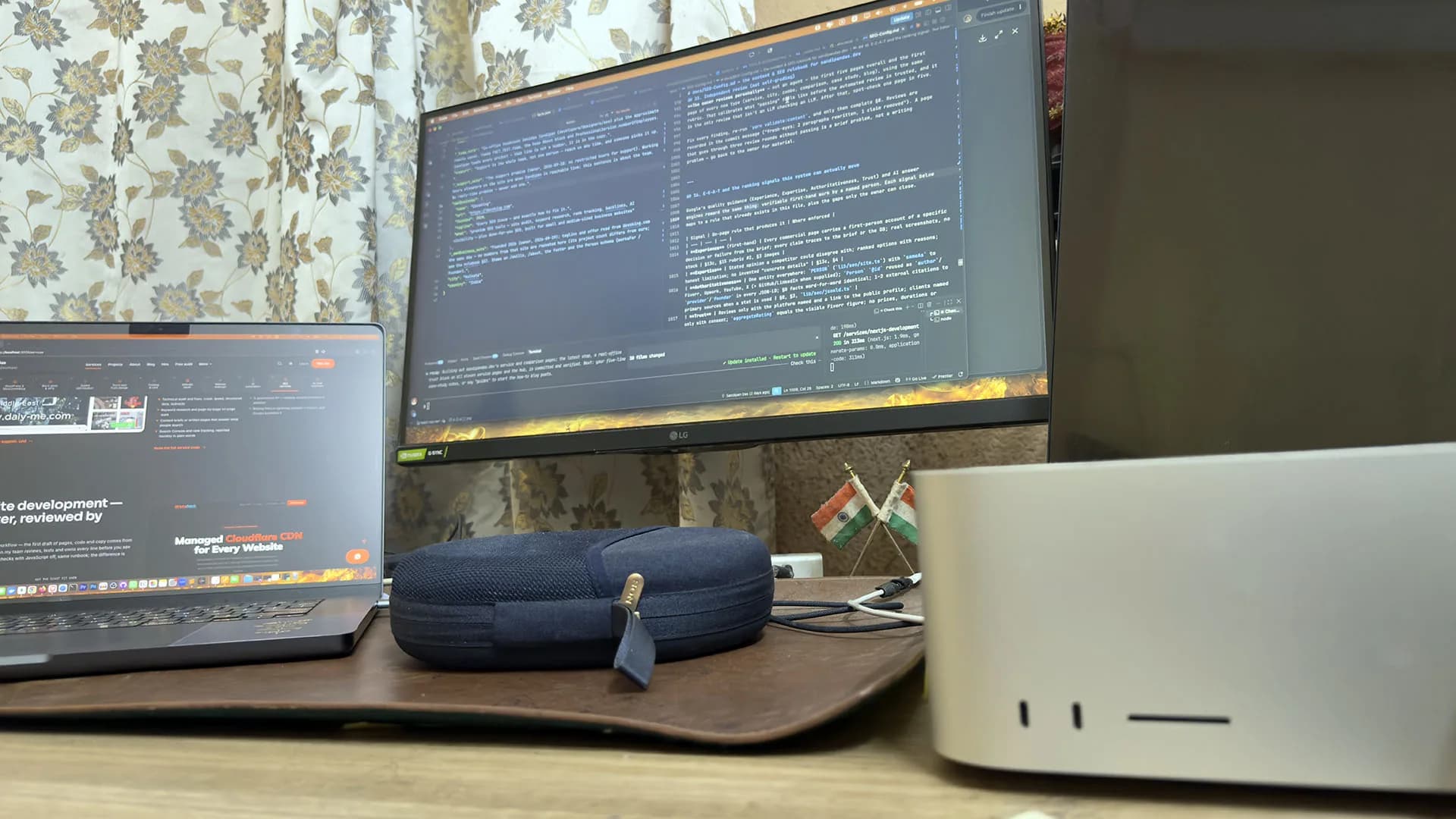
A real office, real people
Led by me, built with my team — in Kolkata, India.
The team: three developers, a designer and three SEO specialists in the Kolkata, India office, plus around six people working remotely. Same pages, measured twice: once before the images, caching, scripts and hosting response are touched, and once after.

Sandipan Das
You talk to me; I’m the one accountable for the work.
- Availability
- The team works on your schedule, in your time zone.
- Support
- Support is the whole team, not one person — reach us any time, and someone picks it up.
Pricing
Is a speed pass the right spend?
A speed pass is a fixed scope, so it gets a fixed line. That line covers the audit and baseline, the fixes and the measurement afterwards. A hosting move or a theme replacement is priced separately.
I'd rather lose the job than fix speed on a site you'll replace soon, because you would pay for the same problem twice.
If a rebuild is the answer, read about WordPress builds or Next.js builds. If the look is tired as well as slow, a redesign may suit you better. Faster pages also help the SEO work that follows.
Weighing it up
Care, maintenance, management or support. Which one fits?
Next step
Test your homepage before we talk
Put your homepage through the free speed check and send me the result when you book. If the number is already good, I'll tell you to keep your money.
Can you guarantee a 90+ PageSpeed score?
- No, because the PageSpeed score depends on the theme, the host and the third-party scripts you choose to keep. What I commit to is working through the fix list in order, the biggest effect first.
Is page speed a Google ranking factor?
- Page speed matters to ranking through Core Web Vitals, but relevance comes first. Google says its ranking systems use Core Web Vitals as part of page experience, and that it still shows the most relevant result even when that page is slow. Where many pages answer a search equally well, a better page experience can help. A speed pass supports rankings. Content that answers the search is still what earns them.
Why is my WordPress site so slow?
- A slow WordPress site usually comes down to a few familiar causes. Images are uploaded far larger than they display. Caching is missing or switched off. Plugins and embeds load scripts on every page. The host takes too long to send its first response. The audit measures each one, so the fix list starts with whichever costs your pages the most time.
Is my slow website caused by the hosting or by the site itself?
- Slow hosting shows up as a slow first response, the white screen before anything appears. A heavy site shows up after that response, as large images and scripts that keep the page busy. The free speed check times that first response, so you know which problem you have before paying to fix either.
Will WordPress speed optimization affect my plugins or theme?
- Not without your say. Every change goes onto a staging copy of your WordPress site first and is checked page by page before anything goes live. The report lists every change, so any of them can be reversed. If a plugin turns out to be the slow part, replacing it is your decision, made with the numbers in front of you.
Do you test with lab tools or with real visitors?
- Both. The before and after numbers come from the same tool run on the same pages, so the two can be compared fairly. What real visitors experience, including page speed for mobile, shows later in the Core Web Vitals report in Search Console, and a care plan keeps an eye on that report every month.
Published · Updated