
ecommerce website maintenance services
Ecommerce website maintenance services for WooCommerce stores
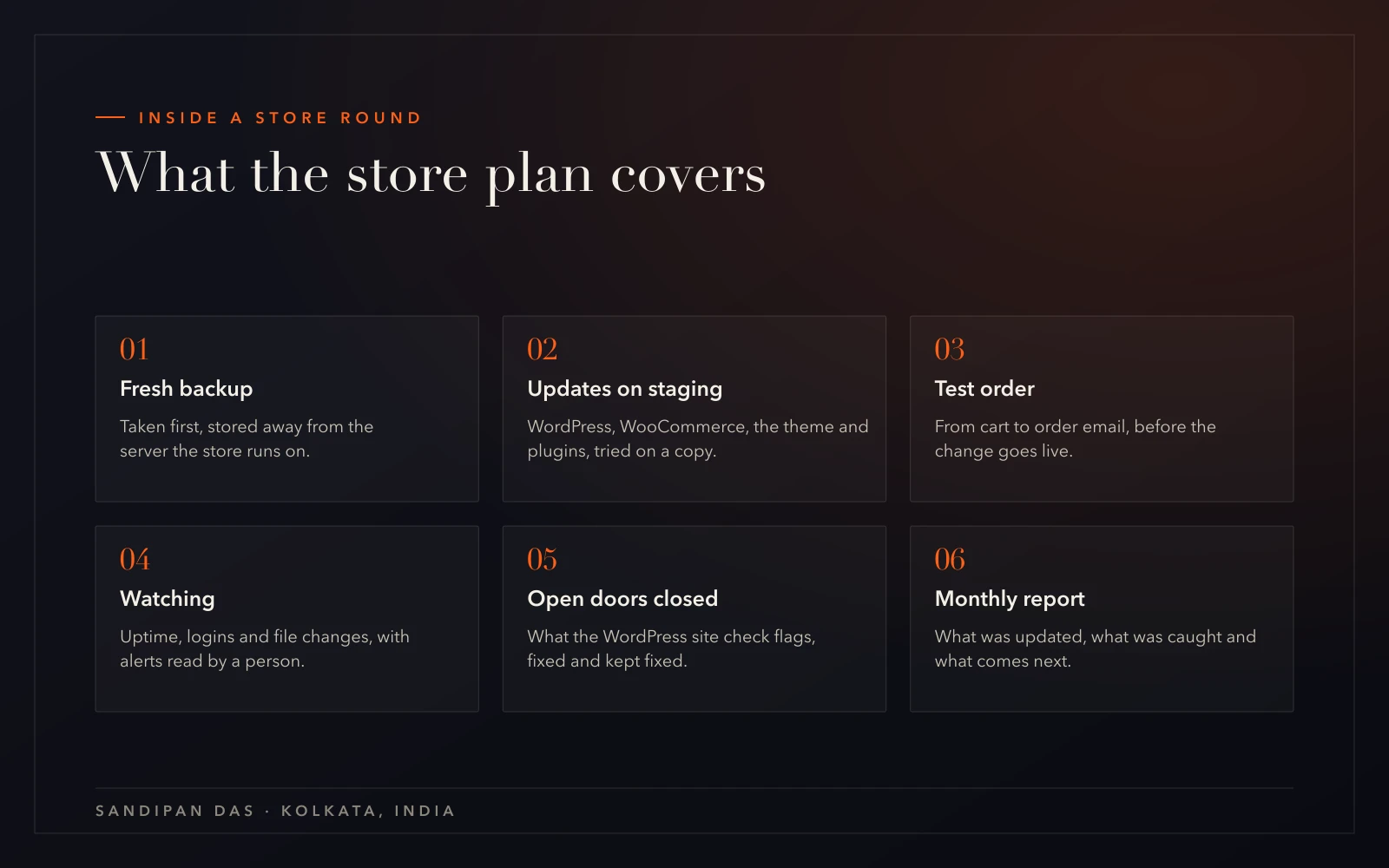
- Core, WooCommerce, theme and plugin updates every week, backup first
- Each update tried on a staging copy, then a test order placed
- Backups held off the server, with a restore tested on a spare copy
- Uptime, login and file-change alerts, read by a person
- What the WordPress site check flags, closed
- A monthly report set against this scope
Overview
What ecommerce website maintenance services cover
Ecommerce website maintenance services keep a live WooCommerce store taking orders while its software changes underneath it. WordPress, WooCommerce, the theme and the plugins are updated every week, each round after a fresh backup. Every update is tried on a staging copy, and a test order is placed before it goes live.
The checkout is the page I guard most closely. A product photo that sits a little off still sells. A checkout that stops at the payment step sells nothing at all.
The free WordPress site check works on a WooCommerce store too, because WooCommerce runs on WordPress. Whatever it flags, such as an exposed username or an open XML-RPC, gets closed on the plan.
- A fresh backup before every round
- A test order through the checkout before an update reaches the live store
- Backups stored off the store's own server, with a restore tested on a spare copy
- Alerts on downtime, logins and changed files, each one read by a person
- A report each month listing the updates, anything caught and the next job due
What a scope from me looks like
A sample scope for WooCommerce maintenance services
Included
- Core, WooCommerce, theme and plugin updates every week, backup first
- Each update tried on a staging copy, then a test order placed
- Backups held off the server, with a restore tested on a spare copy
- Uptime, login and file-change alerts, read by a person
- What the WordPress site check flags, closed
- A monthly report set against this scope
Phase two
- A speed pass on slow product pages
- New store features or integrations
- Moving the store to another host
Not doing
- Stores on platforms with no file access
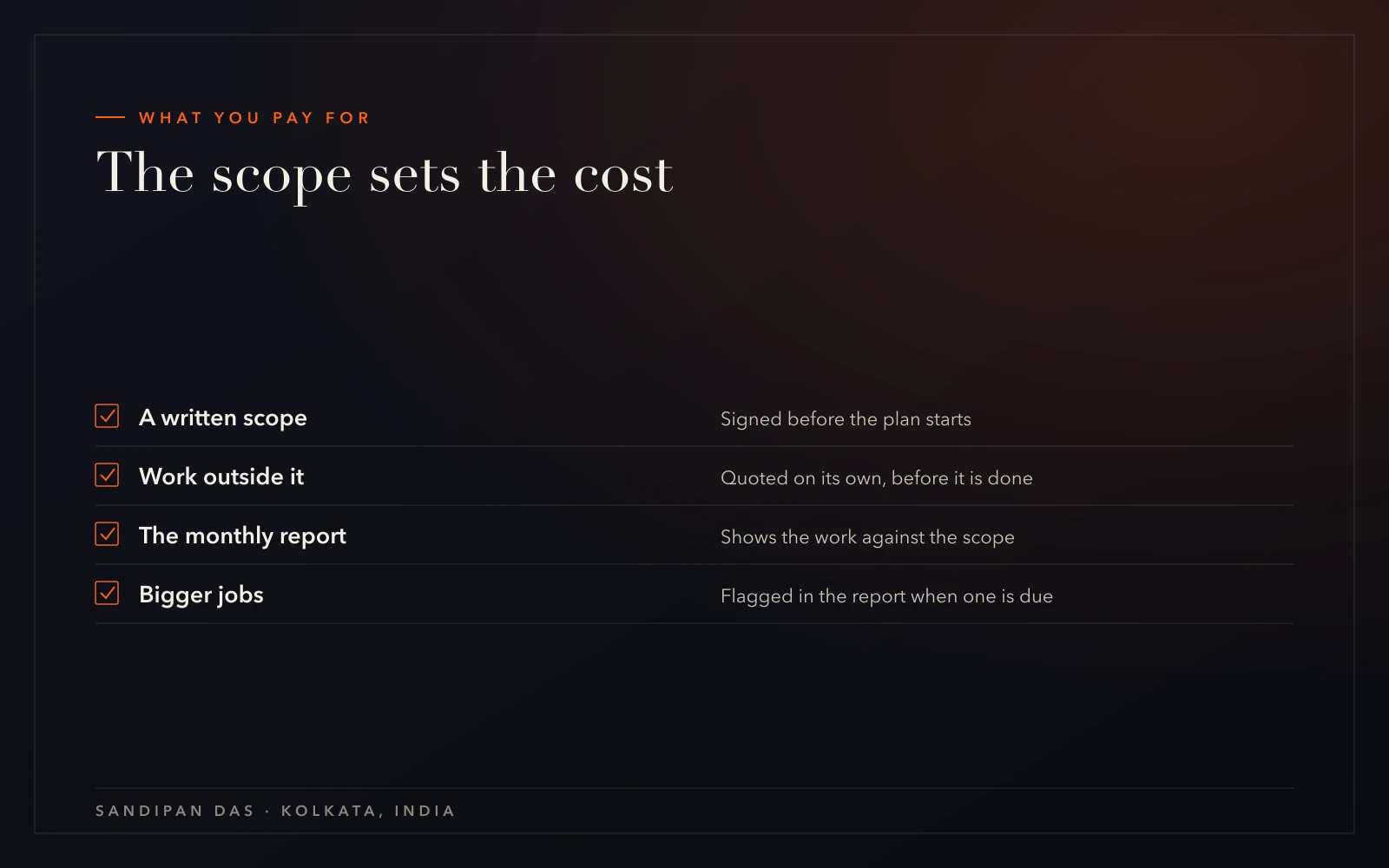
Store maintenance runs from a written scope you sign. Work outside it is quoted on its own before anyone starts on it.
A new store, or a big new feature, isn't maintenance. It's a build, and it sits under WordPress development as a separate job with its own scope.
Process
How a live store comes onto the plan
The first job is reading the store as it stands today. After that, one round repeats every week, in the same order each time.
- 01
The first call
I doYou walk me through the store. We cover the host, the payment gateway, who built it and anything that's gone wrong at checkout before.You doTell me the host, the gateway you use and when the store last had updates.You get: Whether the store can go onto a plan as it is - 02
Reading the store
I doI read the store's plugins and theme first, then the hosting, the backups and the checkout. The write-up separates the urgent fixes from the work the plan keeps doing afterwards.You doShare the admin and hosting logins, and any notes left by whoever built the store, then sign the scope.You get: A written read of the store and a scope to sign - 03
Staging copy and backups
I doA staging copy of the store is set up if the host doesn't already give you one. The backups move off the server, and the alerts are switched on.You doApprove removing the plugins and accounts nobody uses.You get: A safe place to test every change - 04
The first test order
I doI put a backup back onto a spare copy, which shows the restore really works. Then a test order runs on staging, from the cart through to the order email.You doPlace an order on the staging copy, the way a customer would.You get: A proven restore and a proven checkout - 05
The first live round
I doThe updates that passed on staging go onto the live store, after a fresh backup.You doCheck the live checkout once the round is done.You get: The first report - 06 · ongoing
Every round after that
I doEach round runs backup, staging, test order, then live. Changes you ask for join the next round.You doPass on anything odd that a customer mentions.You get: A written report each month

- The first call
- Reading the store
- Staging copy and backups
- The first test orderboth
- The first live round
- Every round after that
Why it matters
Why a checkout stops at the payment step
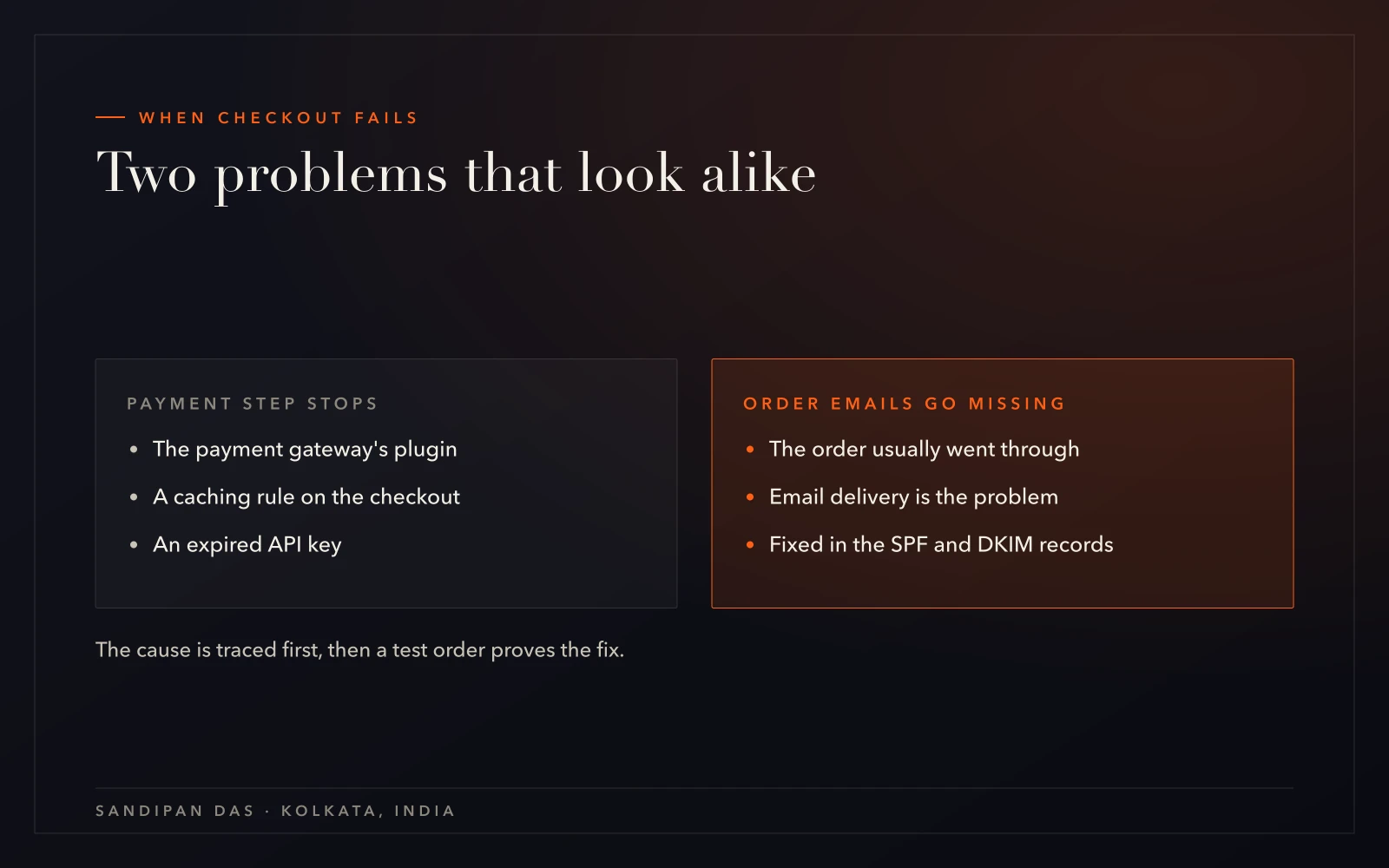
When a checkout stops at payment, the cause usually sits in one of three places. Each needs a different fix, so the cause is traced before anything is changed.
Missing order emails are a separate problem that looks similar. The order has usually gone through. The email is what isn't arriving, and the fix sits in the domain's SPF and DKIM records, not in the checkout.
My approach is a test order before any fix or update goes live. A checkout can look perfect on screen and still fail at the moment the payment is sent.
One piece of advice on restores, too. A store keeps taking orders after its last backup, so putting last night's copy back over the live store can wipe out every order placed since. Before any restore on a store, check which orders arrived after that backup was made. They won't be in it.
- The payment gateway's plugin
- A caching rule catching the checkout
- An expired API key between the store and the gateway
What you get
What WooCommerce support and maintenance services give the store
If your store is taking orders today, the plan starts from where it stands. If the checkout's broken right now, website repair comes first, and the plan follows once orders are flowing again.
Support is the whole team, not one person — reach us any time, and someone picks it up.
- 01
Updates without checkout surprises
each one tried on staging and proven with a test order - 02
A restore you know works
copies held away from the server and tested on a spare copy - 03
A person behind every alert
downtime, odd logins and changed files reach the team - 04
A plan for a bad day
a hacked store cleaned under malware removal, with the orders placed since noted first, the way in closed and every password changed - 05
Slow pages measured
a WooCommerce speed optimization service pass is quoted when product pages drag - 06
One written record
the monthly report, set against the scope you signed
Client feedback
A jewellery store and three clients who'd come back, in their words
“Sandip is an expert in designing a website and easy to work with. For sure, will return if I need help with any new website related design/development works.”
“This is the second website he has created for us. He is professional and communicative and delivers beautiful work quickly.”
“Very professional Team and well prepared. I will definitly hire him and the team again.”
“Sandipan was fantastic to work with. He was professional, responsive, and skilled. I will recommend him and most likely use his services again.”
Pricing
Ecommerce website maintenance cost, in plain words
What you pay for store maintenance follows the scope you sign. You'll see how a scope gets built, line by line, on the quote page.
The first round on a store that hasn't been touched in a long while takes longer than people expect. Several plugins may sit versions behind, and the overdue updates go through staging and a test order before anything reaches the live store.
A WooCommerce maintenance plan covers the store. If you'd rather have the whole site looked after in one package, website care plans cover that. For a site with no checkout at all, website maintenance is the closer fit.
Weighing it up
Care, maintenance, management or support. Which one fits?
Next step
Bring your store's site check to the call
Run the free WordPress site check on your store, then book a call and bring what it found. We'll go through what it flagged and what the plan would take on.
What does ecommerce website maintenance include?
- Ecommerce website maintenance includes weekly updates to WordPress, WooCommerce, the theme and the plugins, each after a fresh backup and each tried on a staging copy first. A test order runs before an update goes live. Backups are kept away from the server, uptime and logins are watched, and a monthly report lists the work.
Is WooCommerce maintenance different from WordPress maintenance?
- WooCommerce maintenance covers everything WordPress maintenance does, plus the parts that take money. The payment gateway plugin, the checkout and the order emails all need checking after an update. So every round on a store ends with a test order.
How do you update plugins without breaking checkout?
- Plugin updates go onto a staging copy of the store before they touch the live site. On that copy, a test order runs from the cart to the order email. Only the updates that pass go live, and a fresh backup is taken first, so a bad update can be rolled back.
Can you look after a store another agency built?
- A store built by another agency or developer can come onto the plan, starting with a read of its plugins, theme, hosting and checkout, written up with the fixes in order. Notes from the original builder help, but the plan doesn't depend on them. Stores on Wix or Squarespace are the exception, since their files are out of reach.
Do you build new online stores too?
- New WooCommerce stores are built under WordPress development, a separate job with its own scope. Swabha Jewels, an online jewellery store, is one the team built. Store maintenance begins once a store is live and taking orders, whoever built it.
Published · Updated